Let's Talk
Keeping a remote up to date should not mean taking it out of service. Here is how updates and support work with the mobile app.
October 9, 2026
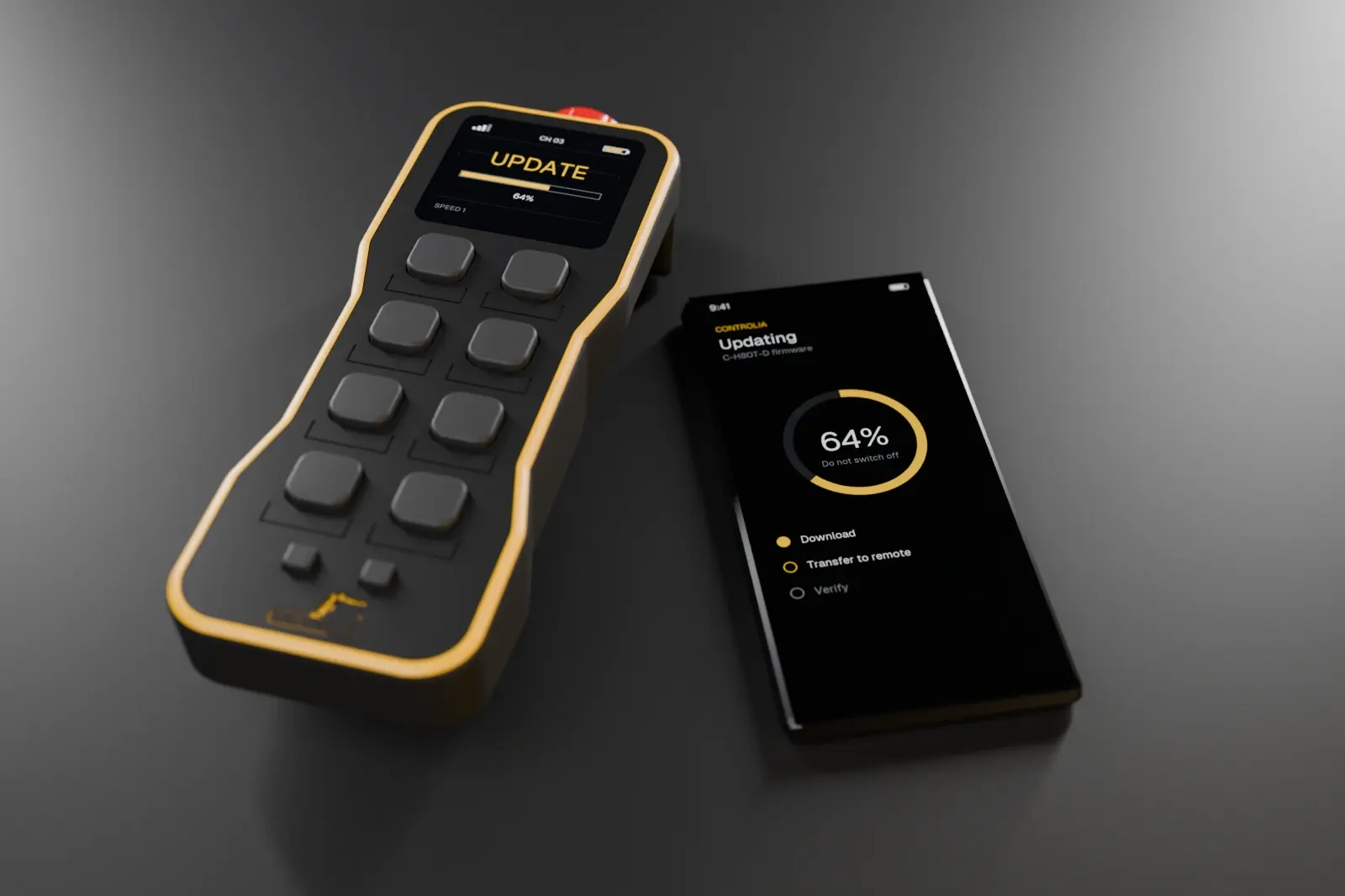
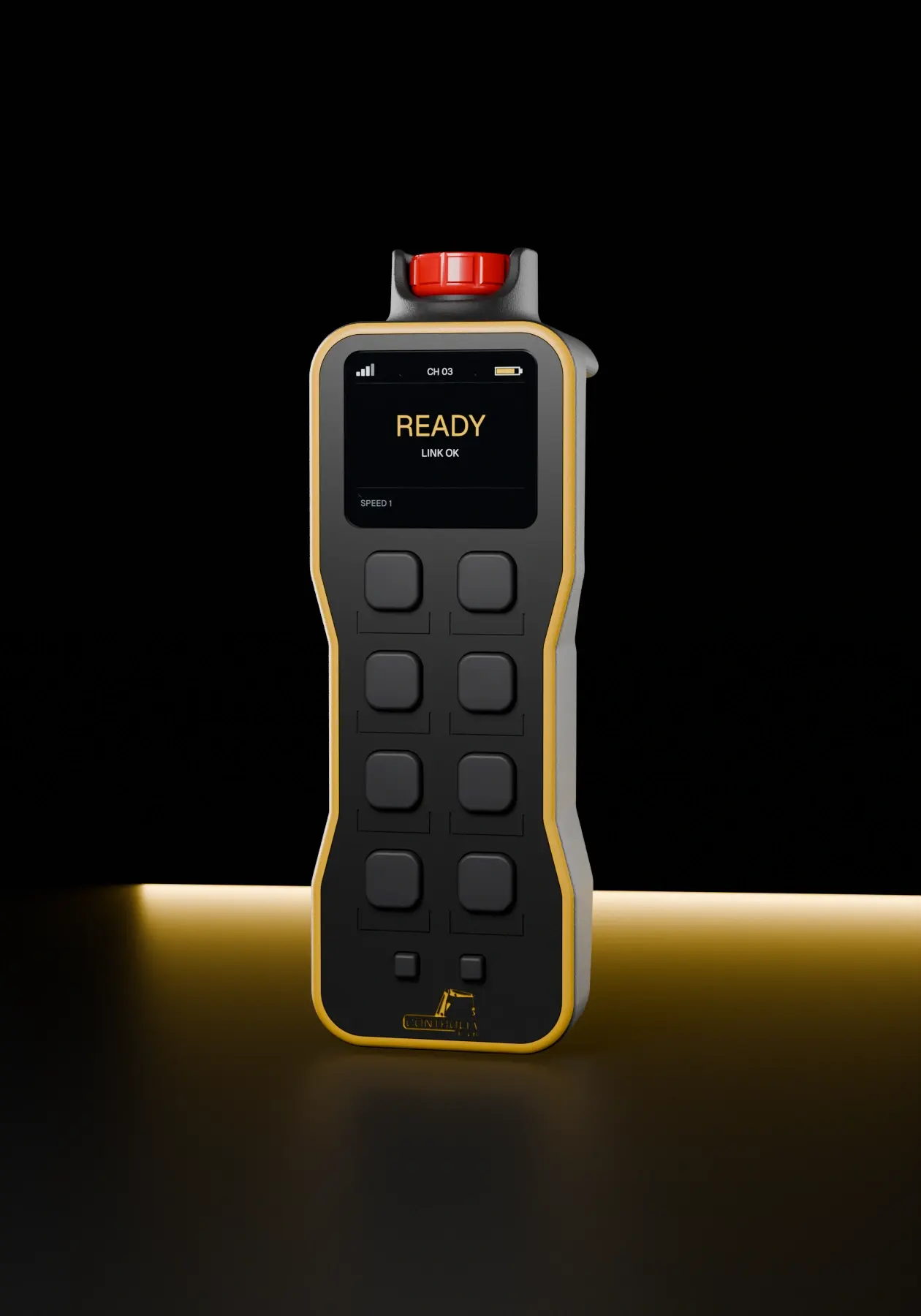
Pair the remote with the Controlia app. The app shows the remote, its connection and its battery level, so you know its state before you start.
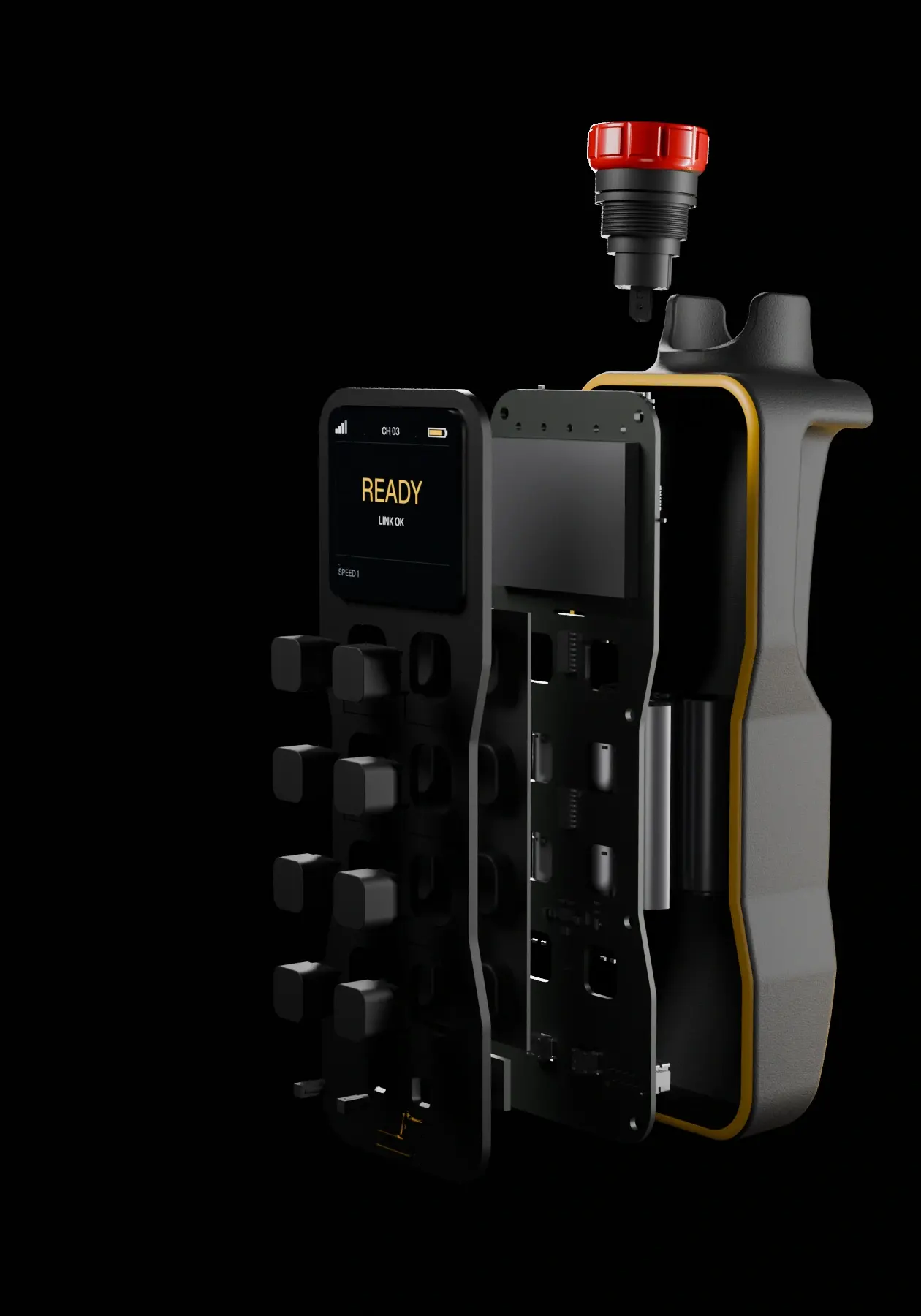
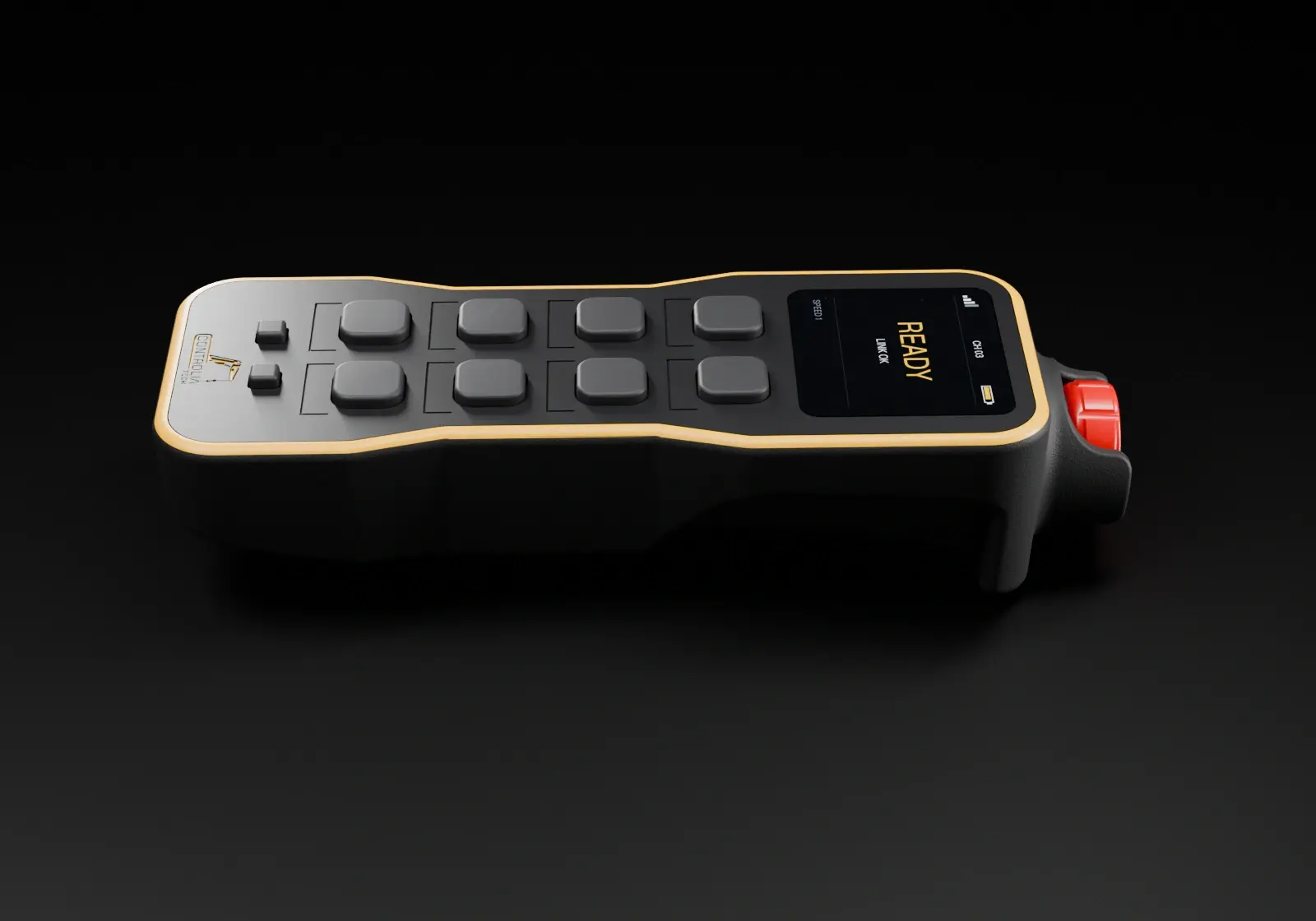
When new firmware is available the app downloads it, transfers it to the remote and verifies it. The remote’s own display follows the progress, and the unit never leaves the site.
If something doesn’t look right, start a video call from the app. Our technician sees the remote with you and walks through the solution step by step.
With several cranes on site, updating each remote from the app keeps the whole fleet behaving the same way.
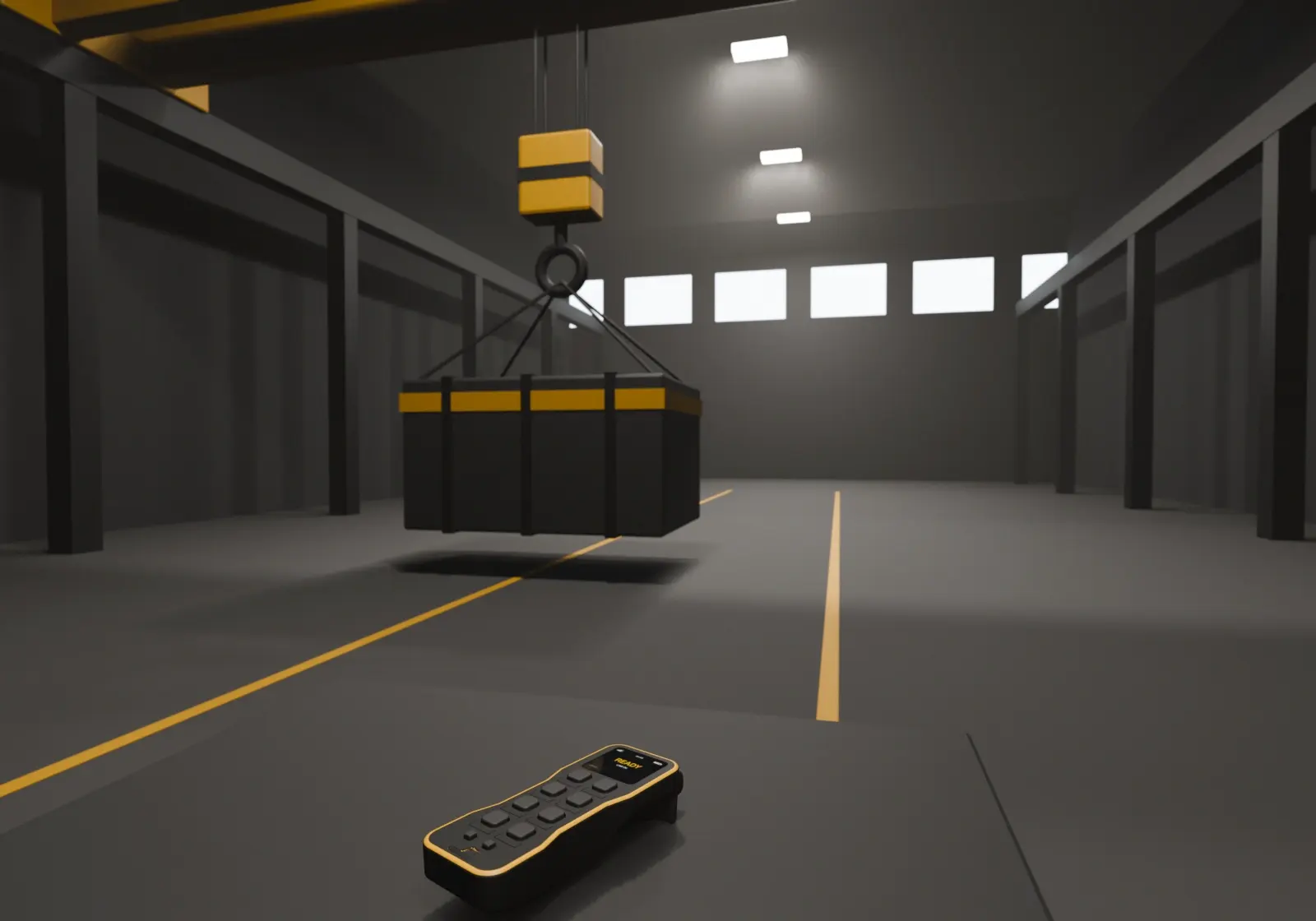
Updates and first-line support happen where the crane is, so the remote spends its time at work, not in transit.
The best support visit is the one that happens on a phone screen, on site, in minutes.
With mobile updates and video support, your remotes stay current and help is never far away. Get in touch to see how it works with your cranes.