Let's Talk

C-H80T-D

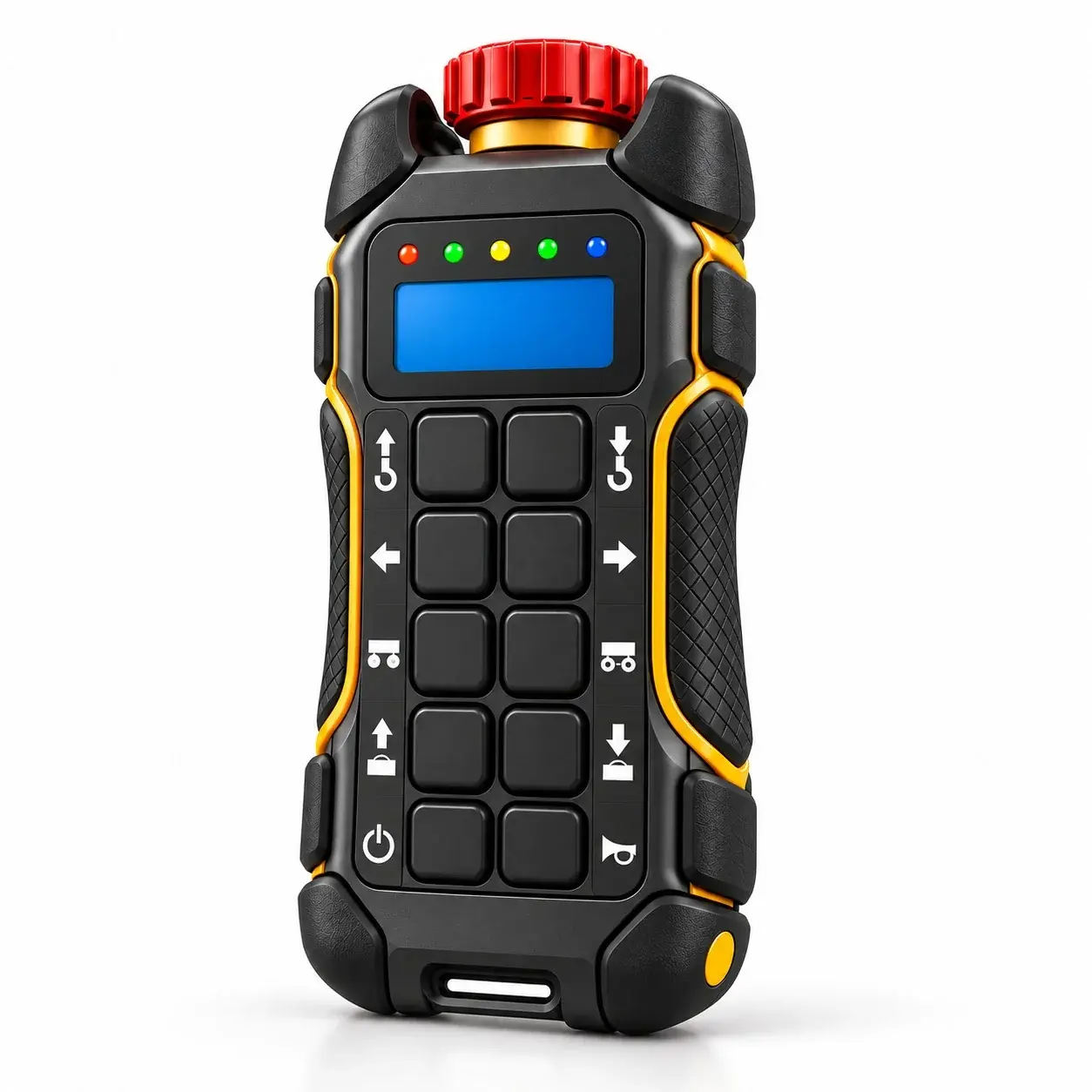
A handheld wireless transmitter for cranes and lifting equipment: eight buttons, an emergency stop and a status display, updated from your phone.

Product
•

Transmitter unit

Application
•

Cranes and lifting equipment

Connectivity
•

Wireless · Mobile app

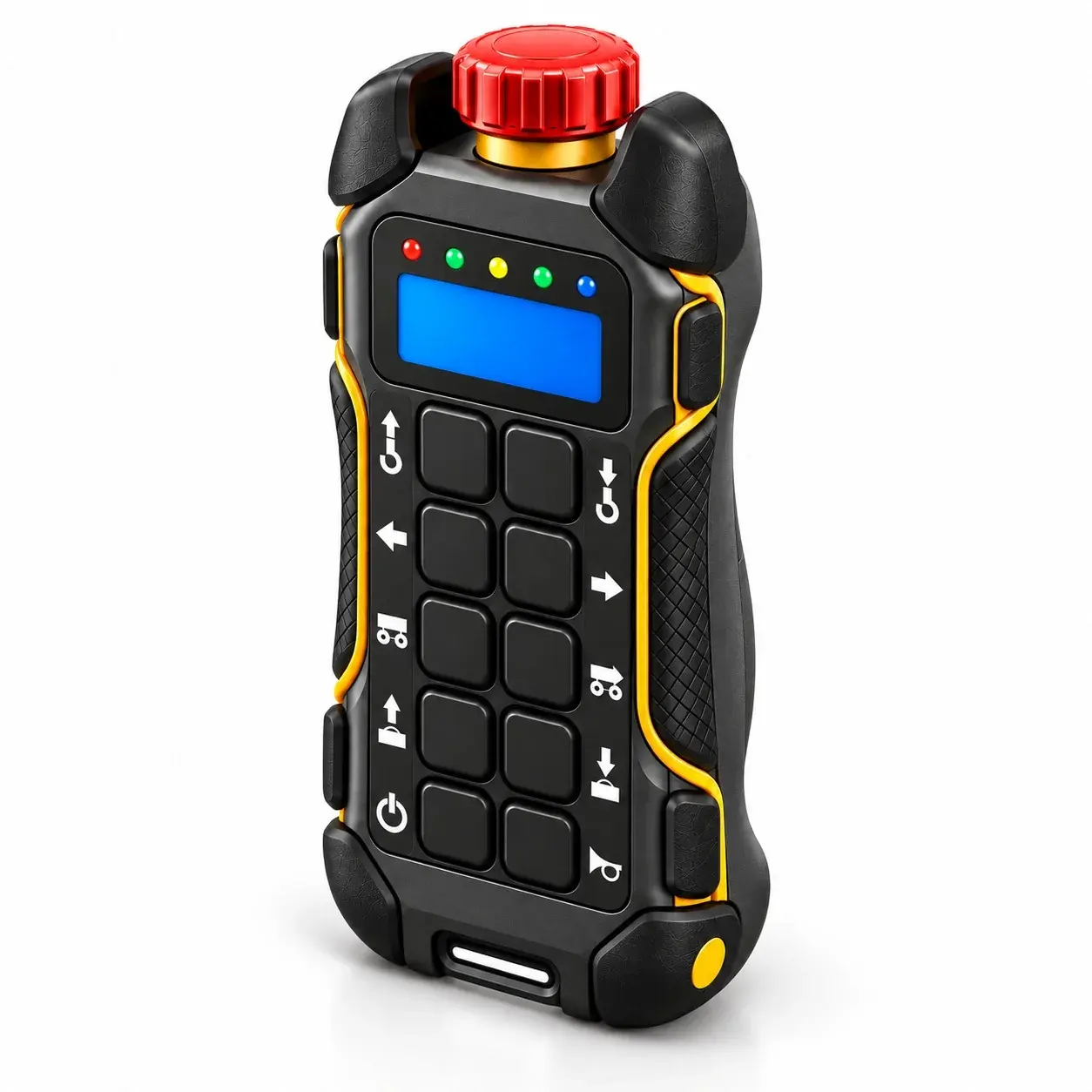
Remote front three-quarter view

About the Product:

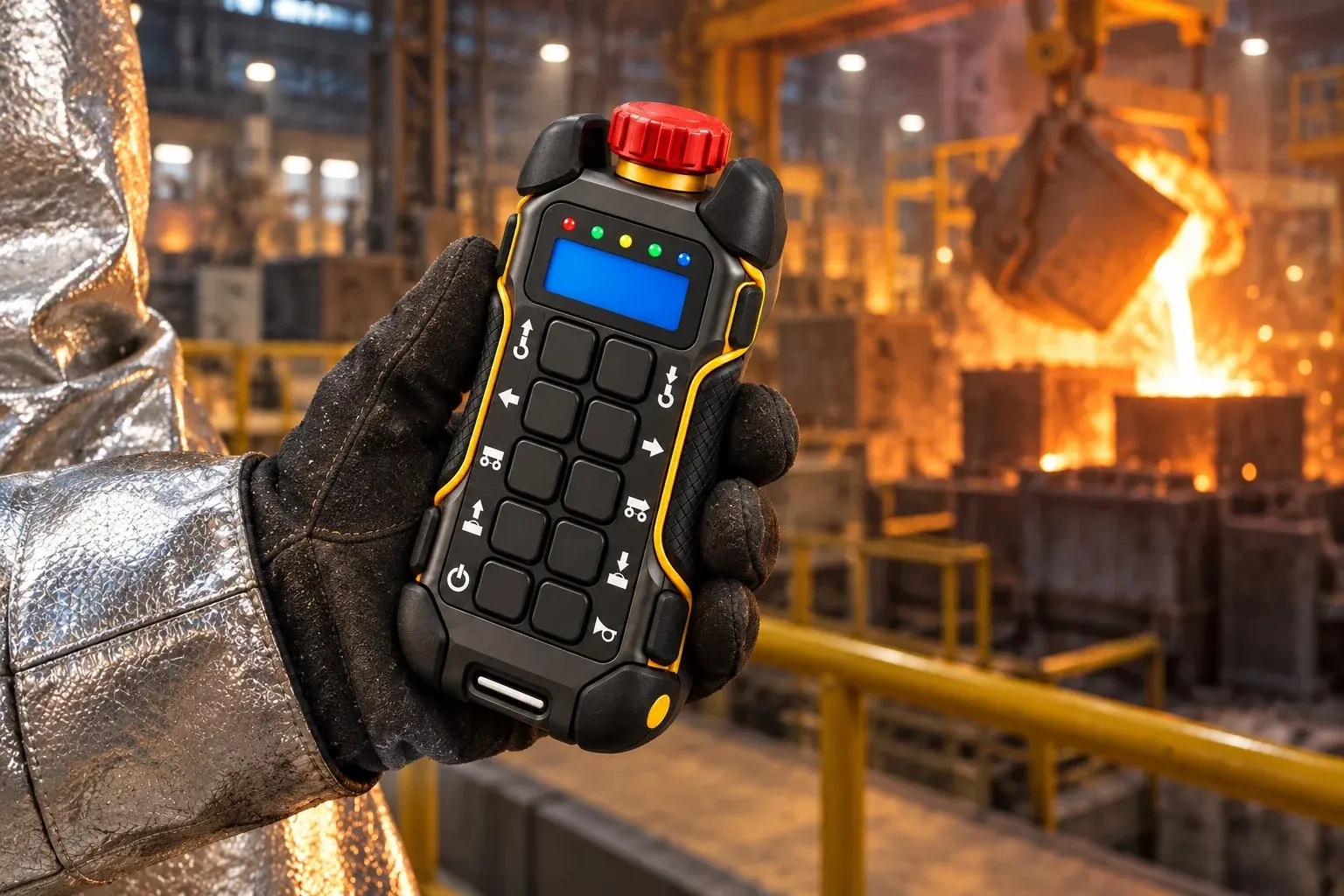
The C-H80T-D is a handheld transmitter that frees the crane operator from the pendant cable. The operator moves freely around the load and keeps a clear line of sight.

Its firmware is updated from the Controlia mobile app, and support is one video call away.

‍

Highlights:

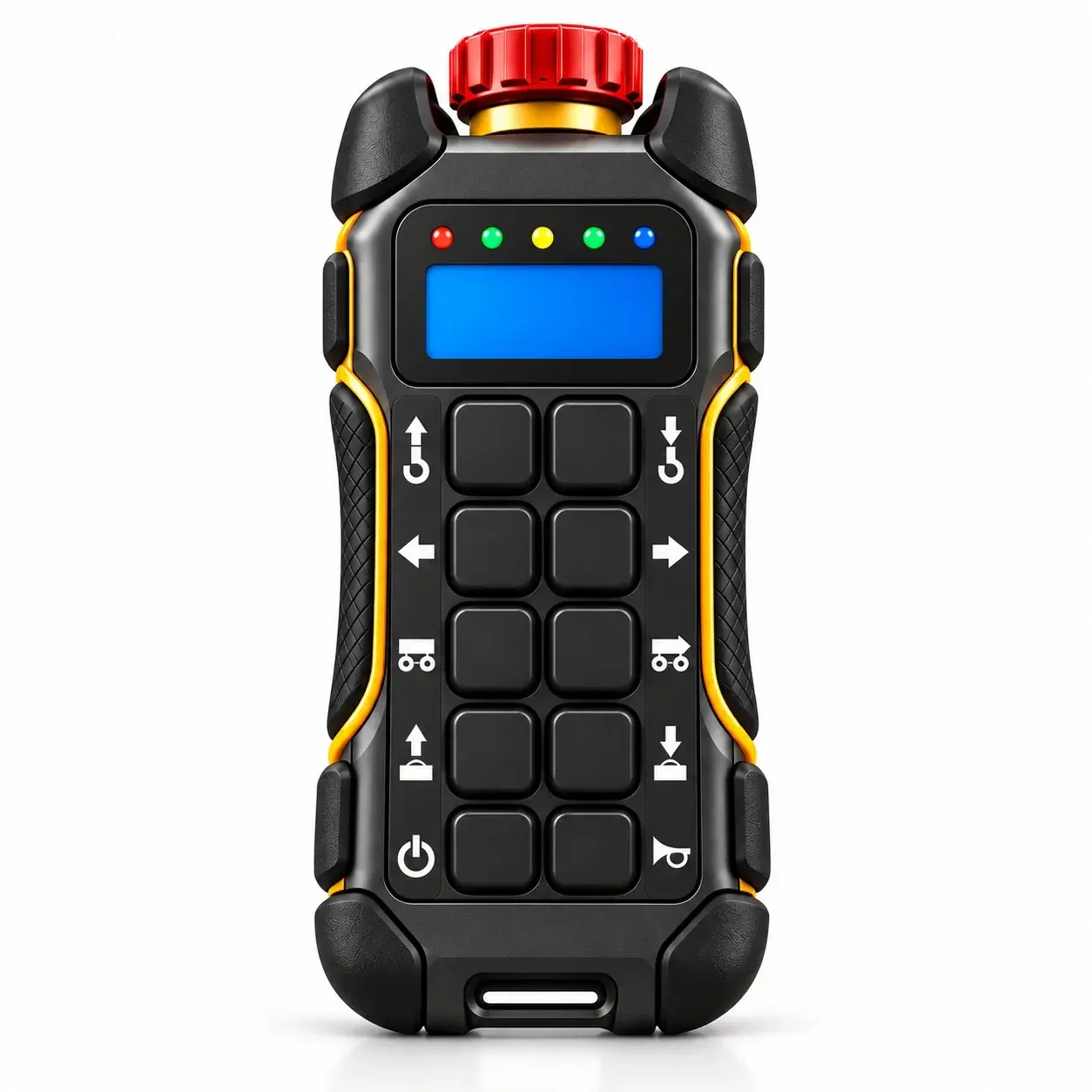
  • Eight direction and function buttons in two columns.
  • Red mushroom emergency stop at the top of the unit.
  • Status display for link, channel and battery.
  • Firmware updates from the mobile app.
  • Video support with our technicians.
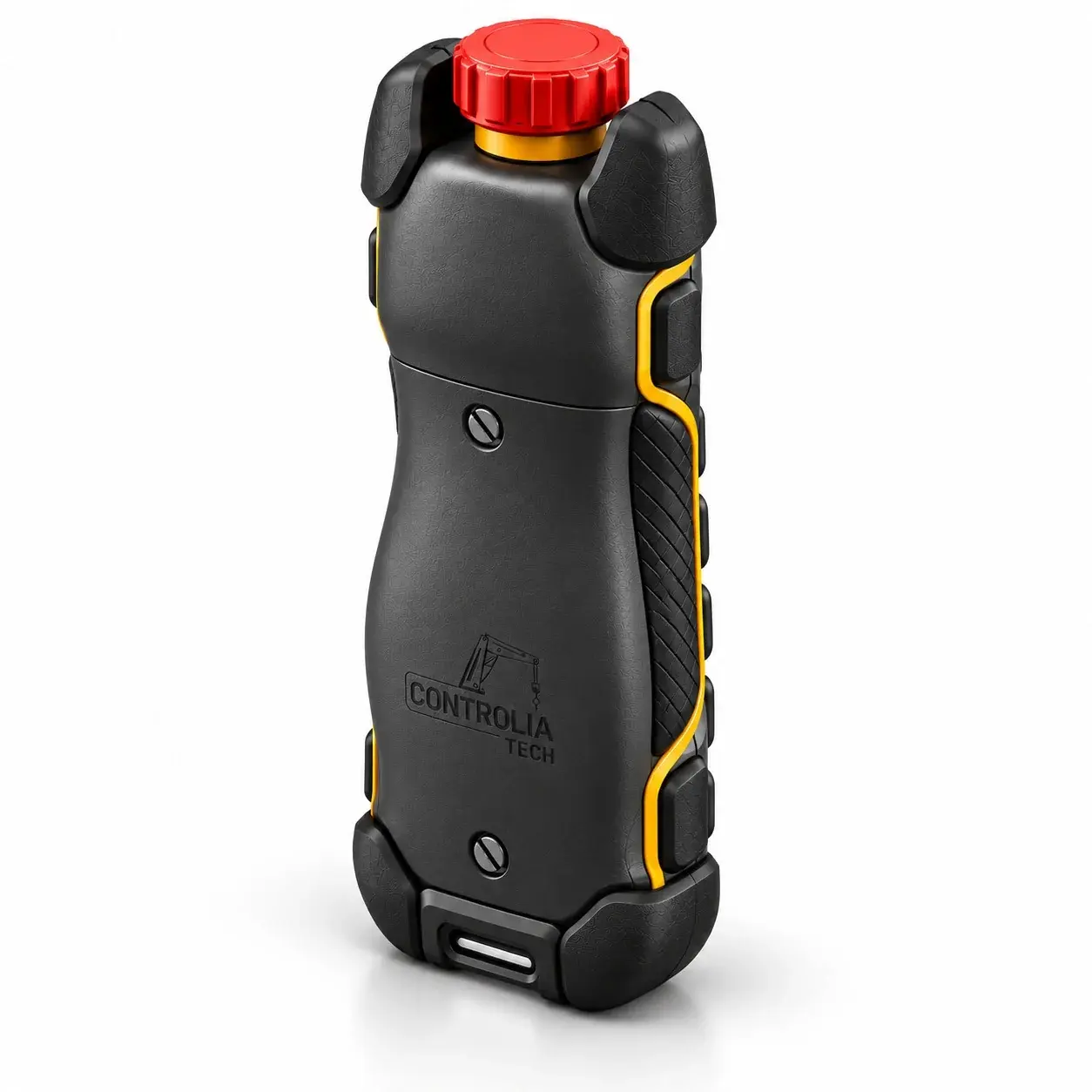
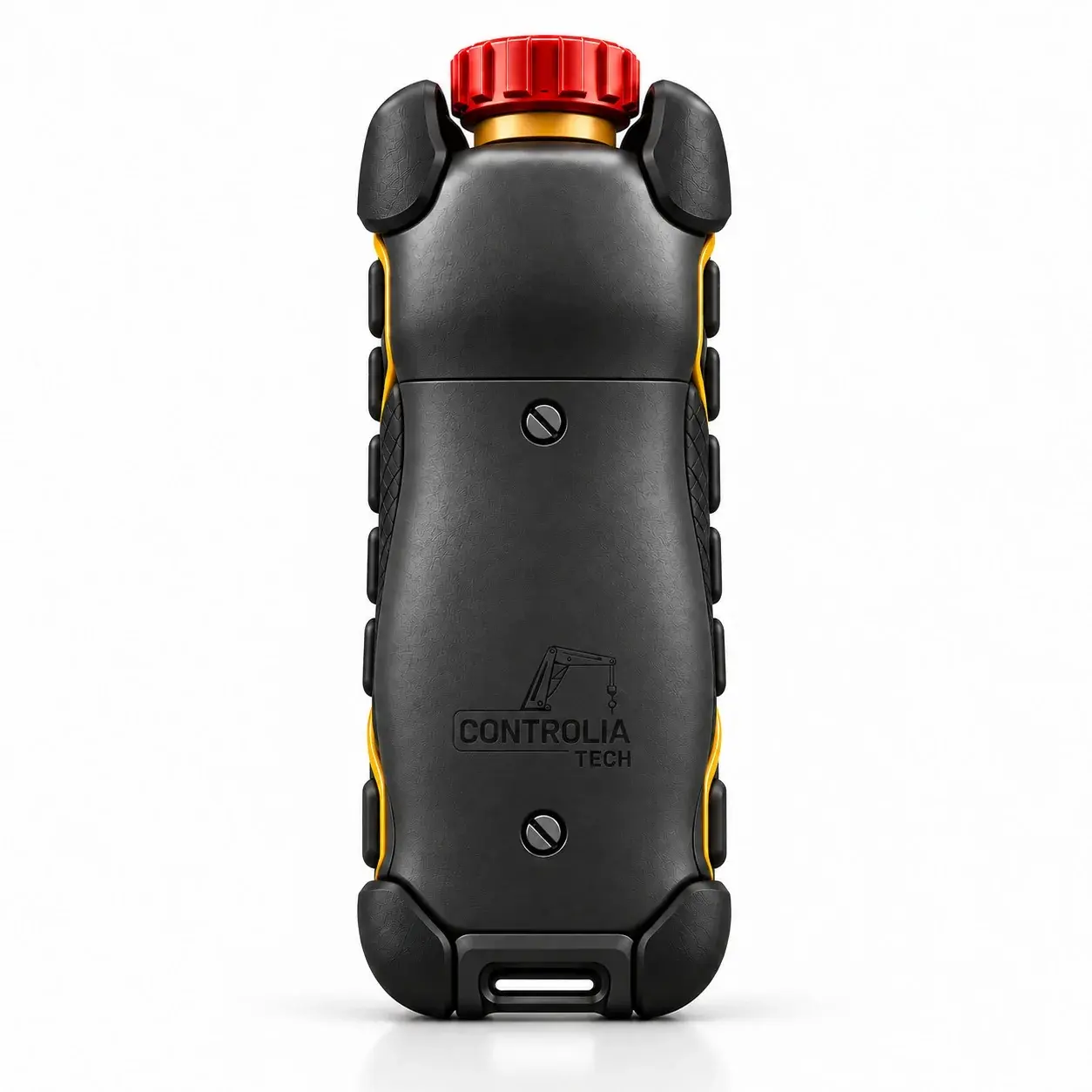
Remote rear three-quarter view
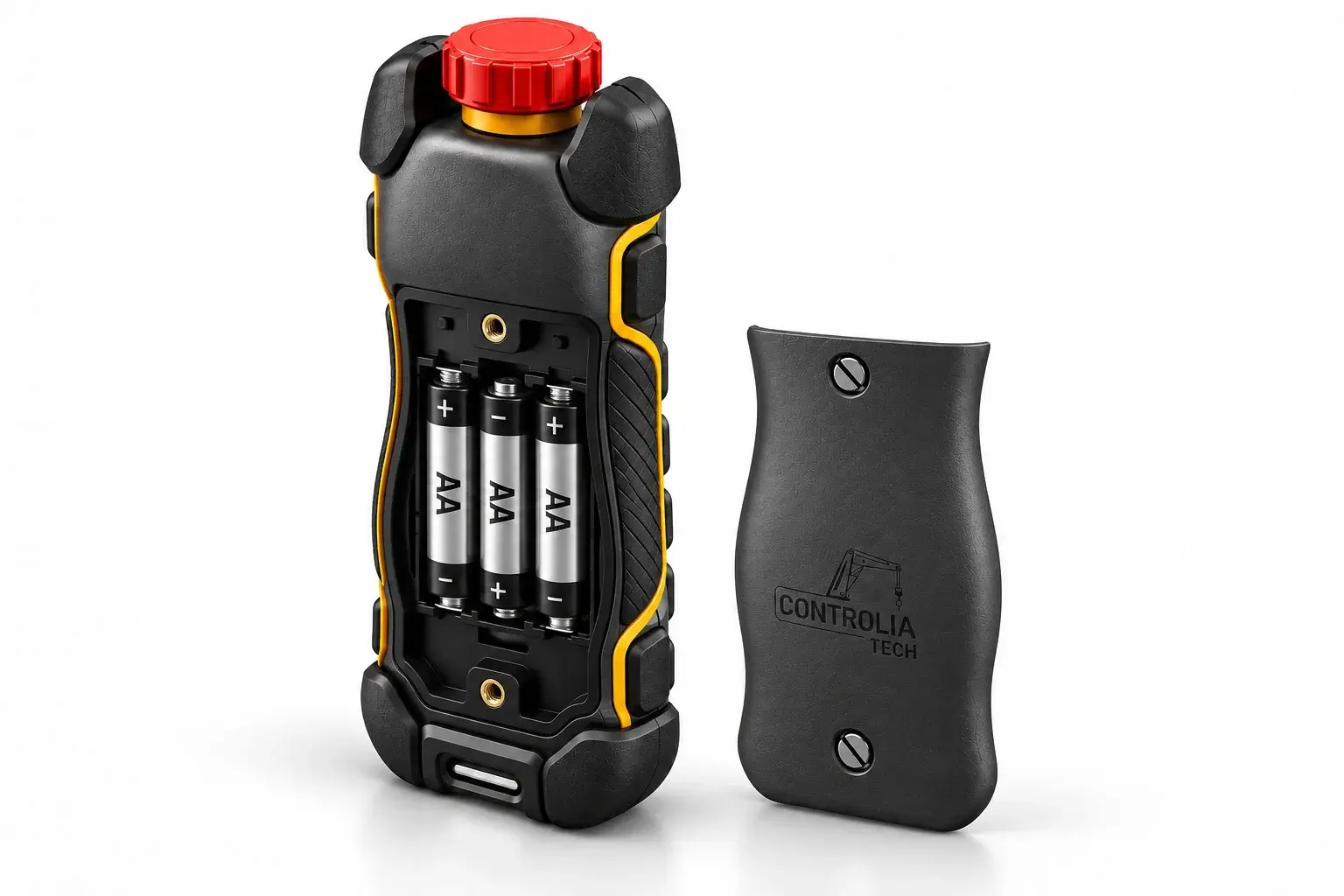
Remote rear battery compartment and cover

C-H80T-D / A CLOSER LOOK

The new design, layer by layer.

Explore the enclosure, front panel and internal layers in motion.

Illustrative parts animation made from the new design images. Internal components and assembly order are illustrative.
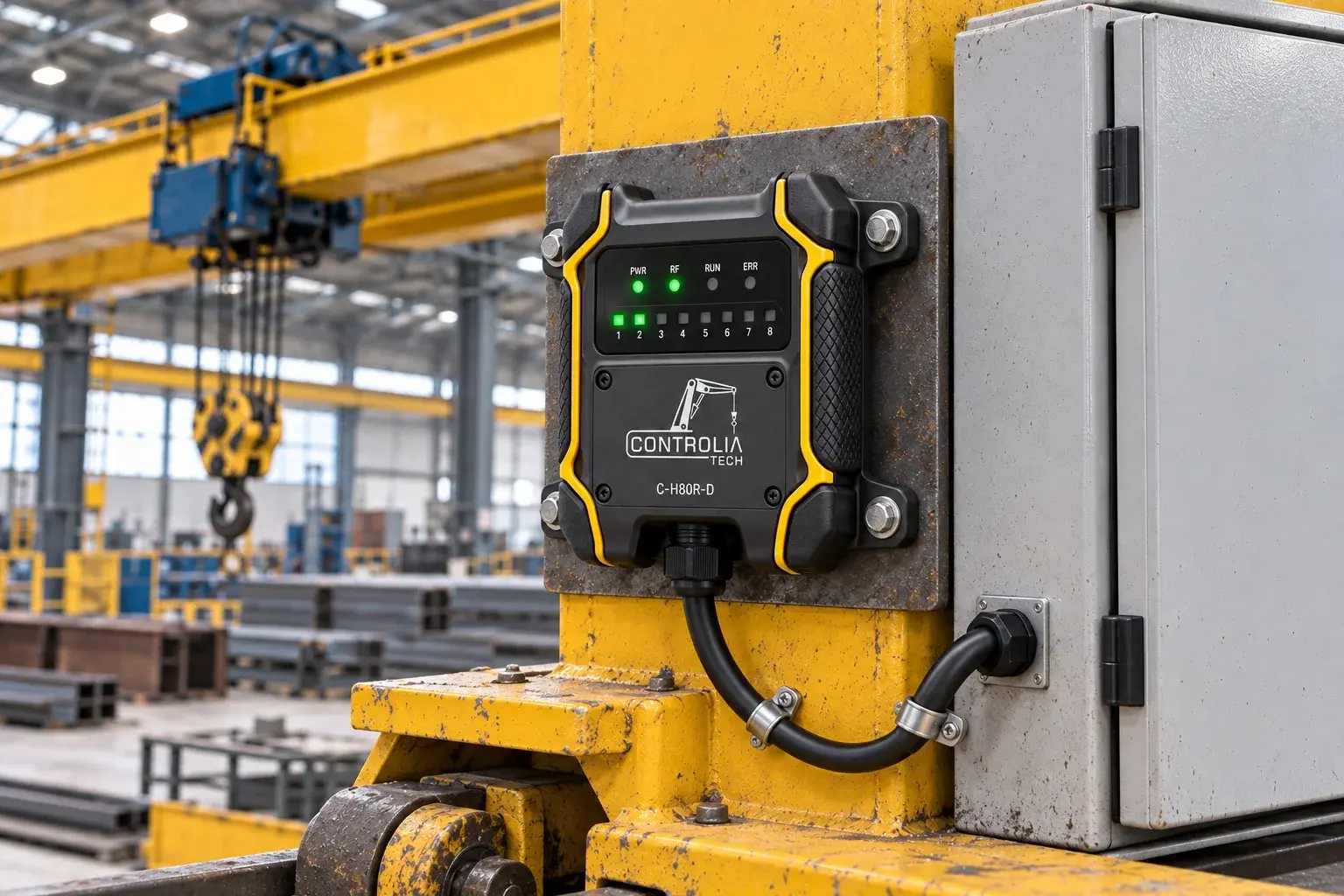
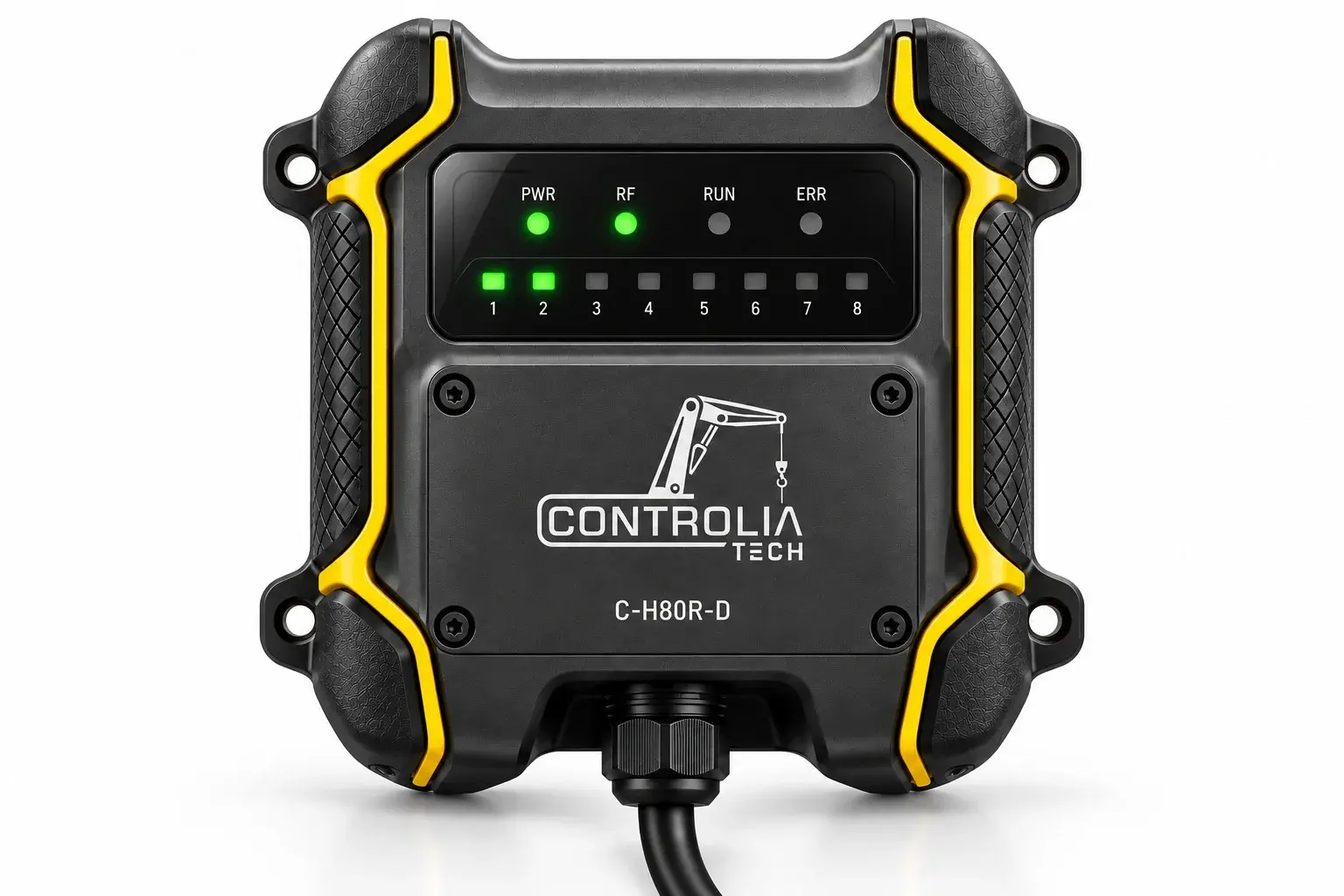
Controlia receiver, front view
01 / RECEIVER

The other end of control.

Alongside the handheld unit, take a closer look at the receiver.
Illustrative receiver installation in a crane hall
02 / IN THE FIELD

From product to workplace.

An illustrative crane-hall installation brings the complete system into view.

The field images in this section were generated with AI.

From Box to Site:

How a new remote goes into service:

  1. Needs assessment: understanding your crane, the movements you control and how operators work.
  2. Configuration: assigning buttons to crane functions and setting up the channel.
  3. Commissioning: pairing the remote with the receiver on your crane and testing every function.
  4. Operator onboarding: showing operators the buttons, the display and the emergency stop.
  5. Updates: installing new firmware from the mobile app when it is released.
  6. Support: solving issues together over a video call from the app.‍
    ‍

The result: a crane controlled from a safe distance, with a remote that stays up to date.
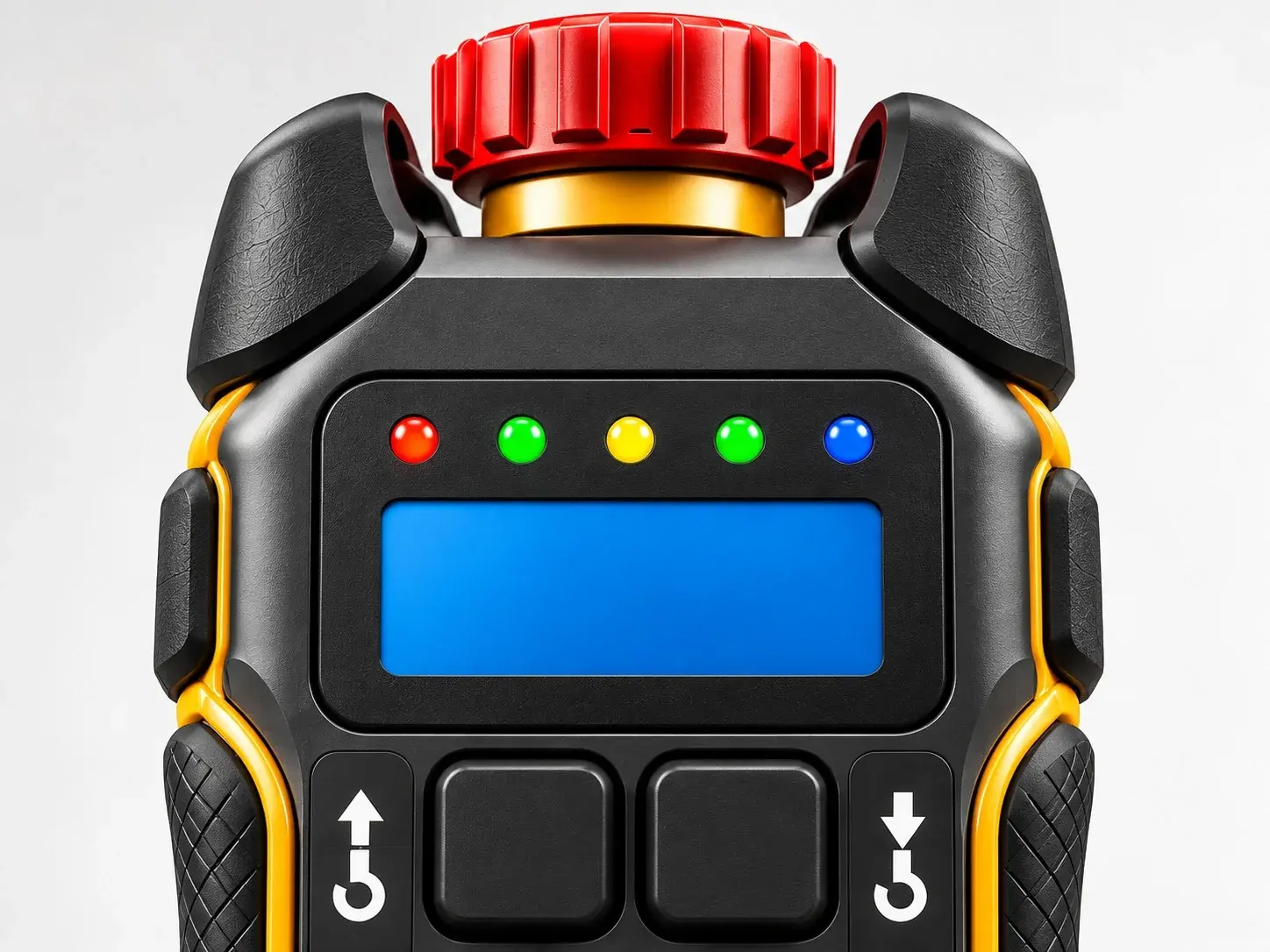
Remote display and emergency stop
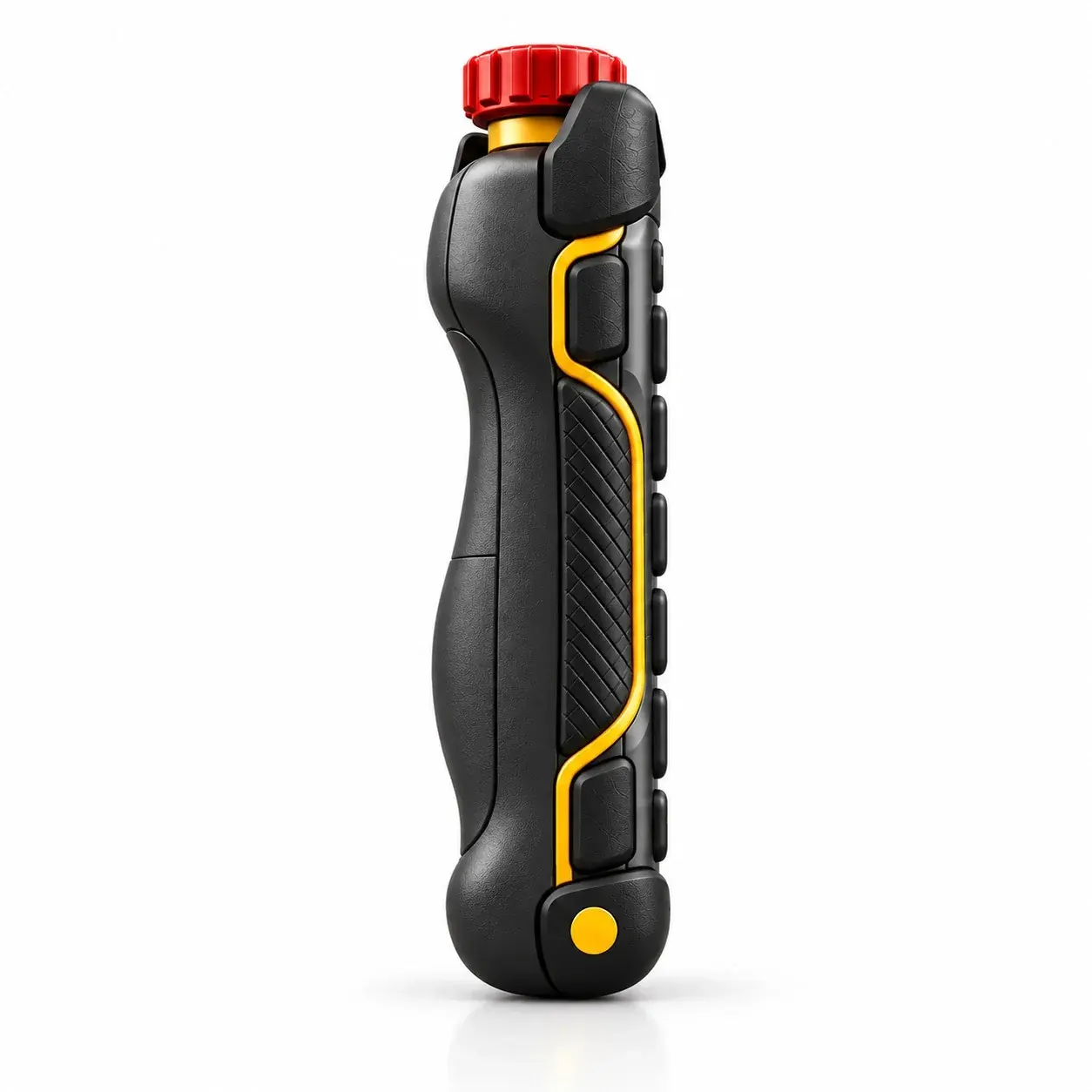
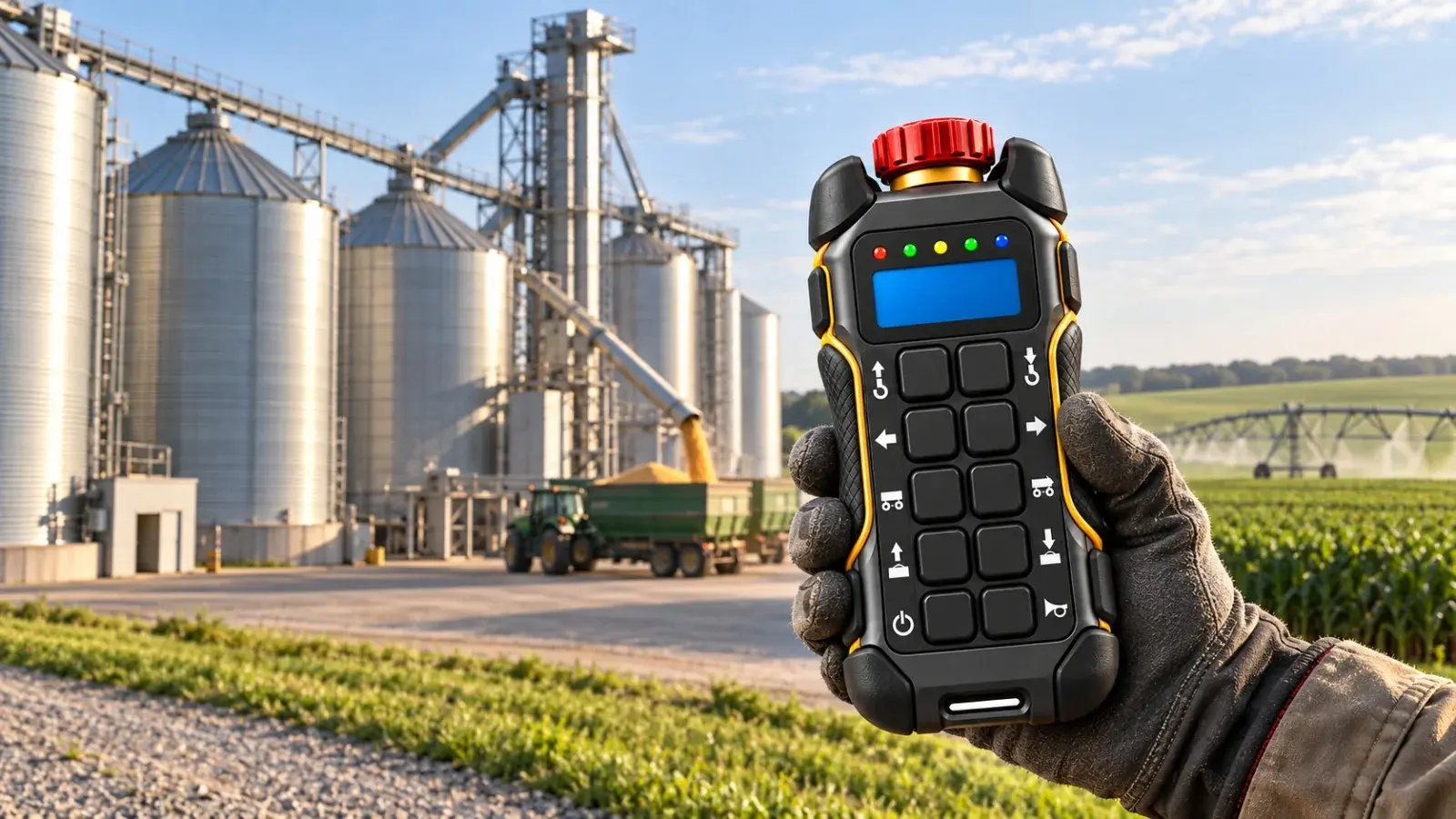
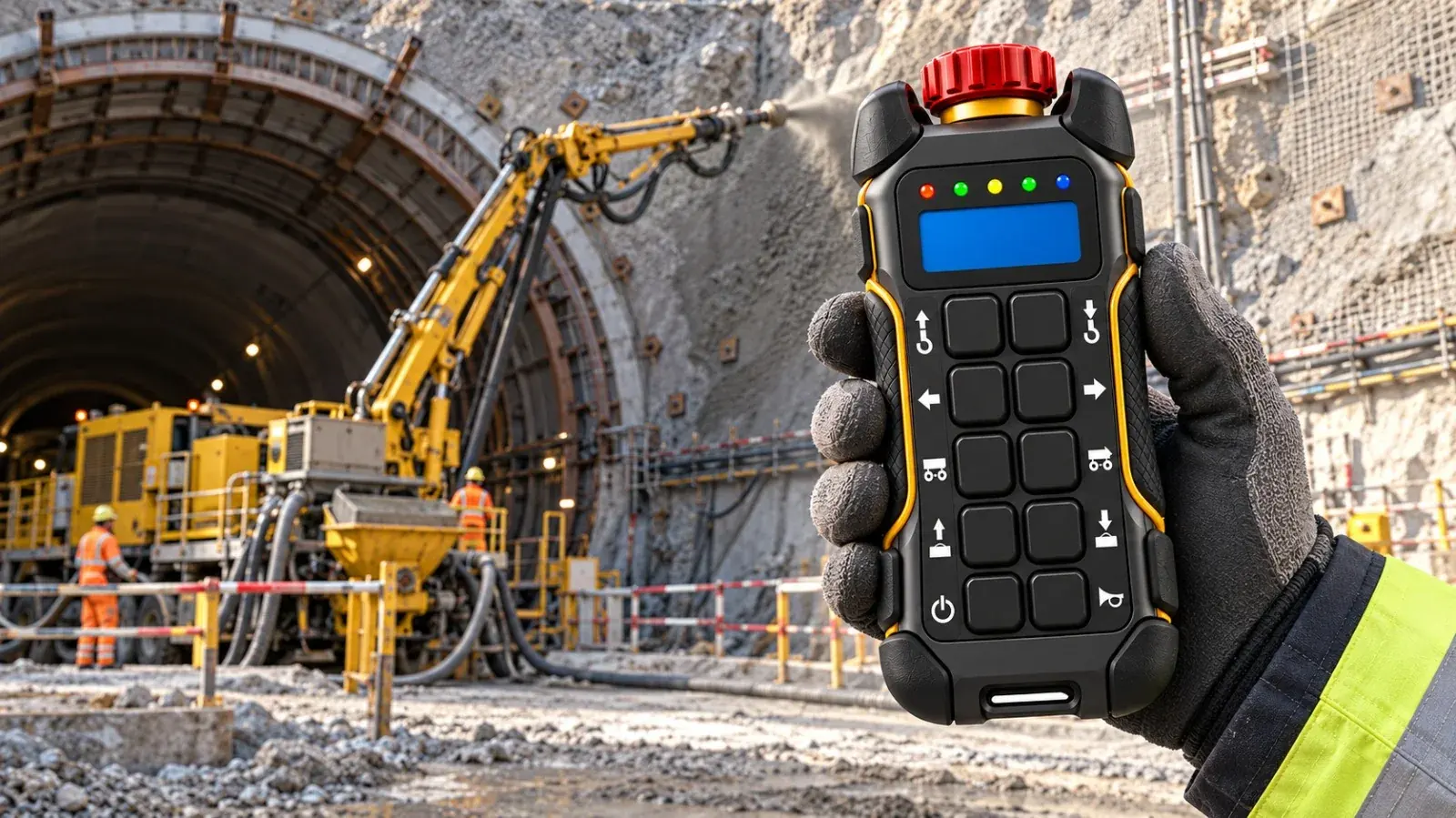
Operator using a remote in a foundryRemote right sideRemote three-quarter viewRemote front viewOperator using a remote at a siloRemote display and emergency stopRemote rear viewOperator using a remote in a tunnel
Let’s Take Control Together!

Get in touch