[ Türkiye ]
TECH
CONTROLIA
TECH
Control is yours, trust in every move.
•
Industrial wireless control
•
Industrial wireless control
•
Industrial wireless control
•
Industrial wireless control
•
Industrial wireless control
•
Industrial wireless control
•
Industrial wireless control
•
Industrial wireless control
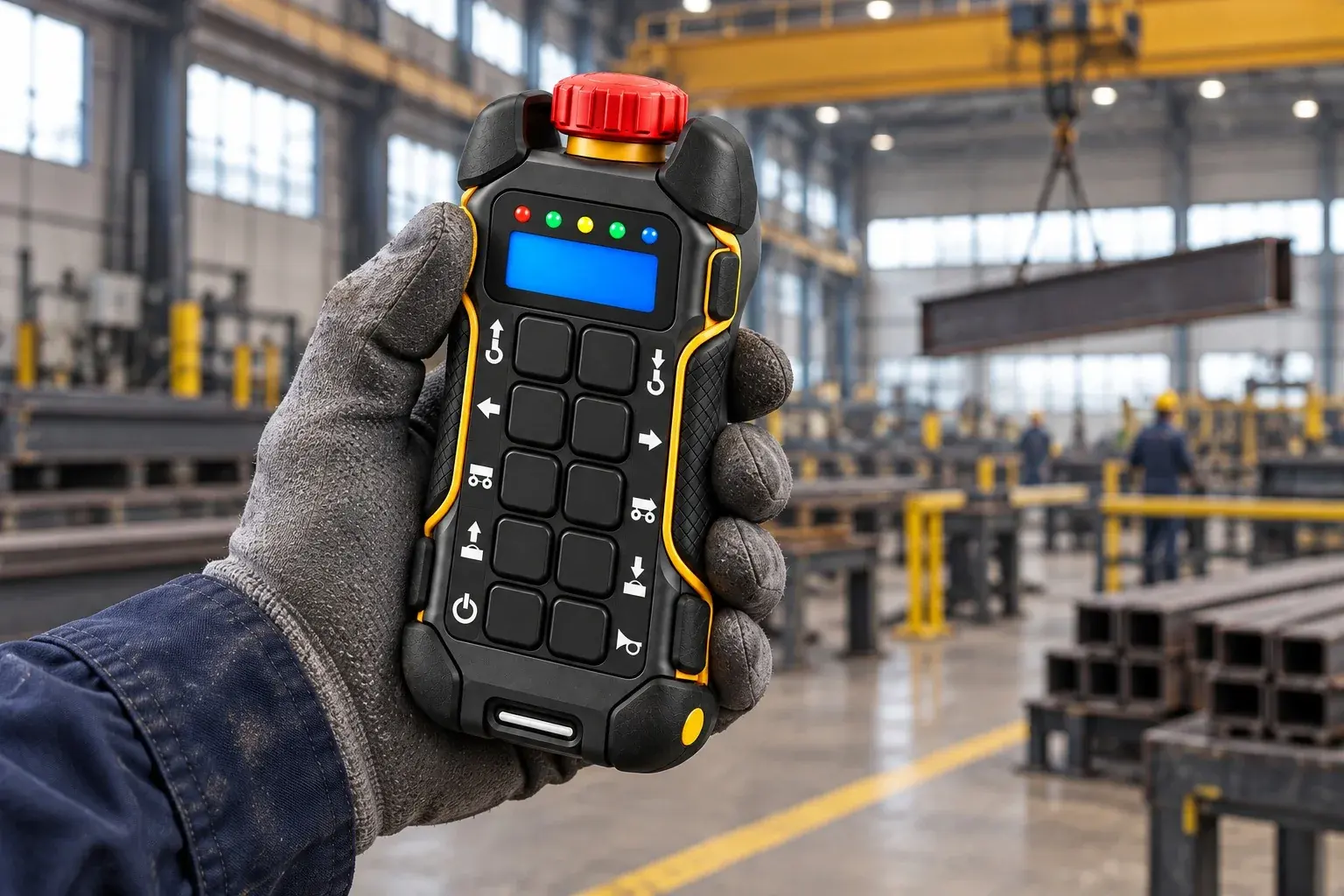
Everything a crane operator needs, in one handheld unit.


We Don’t Just Build Remote Controls —We Engineer Control You Can Trust.
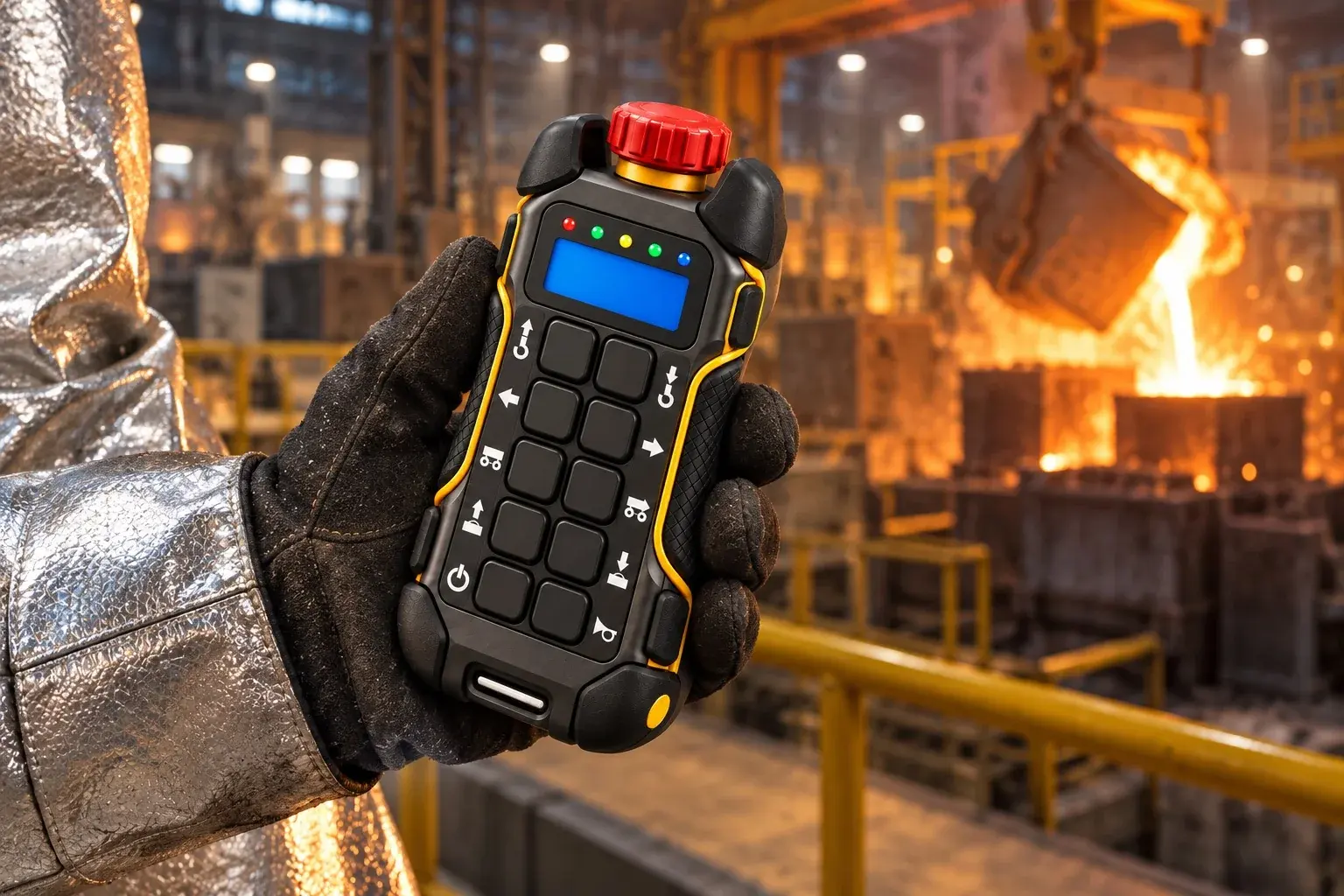
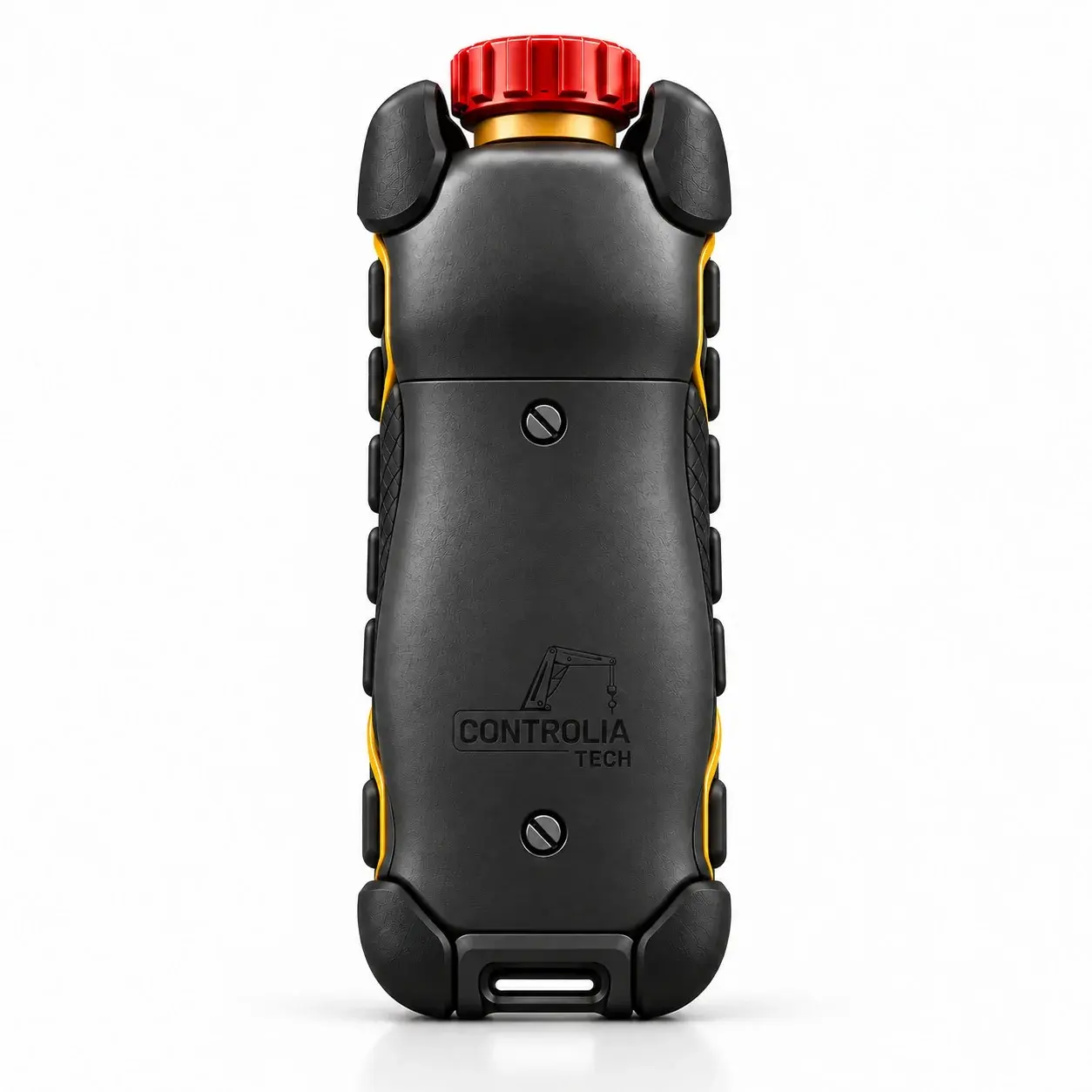
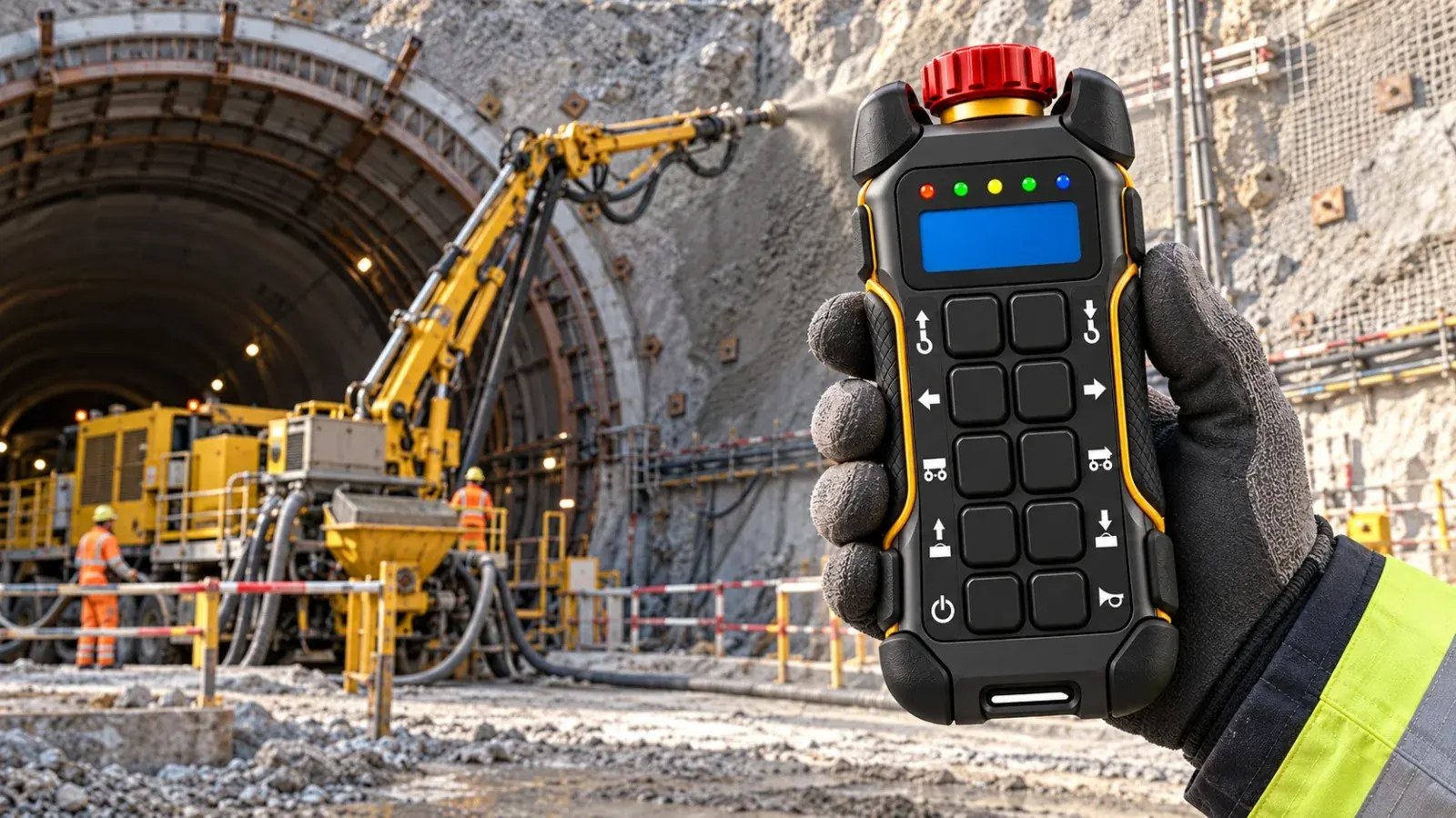
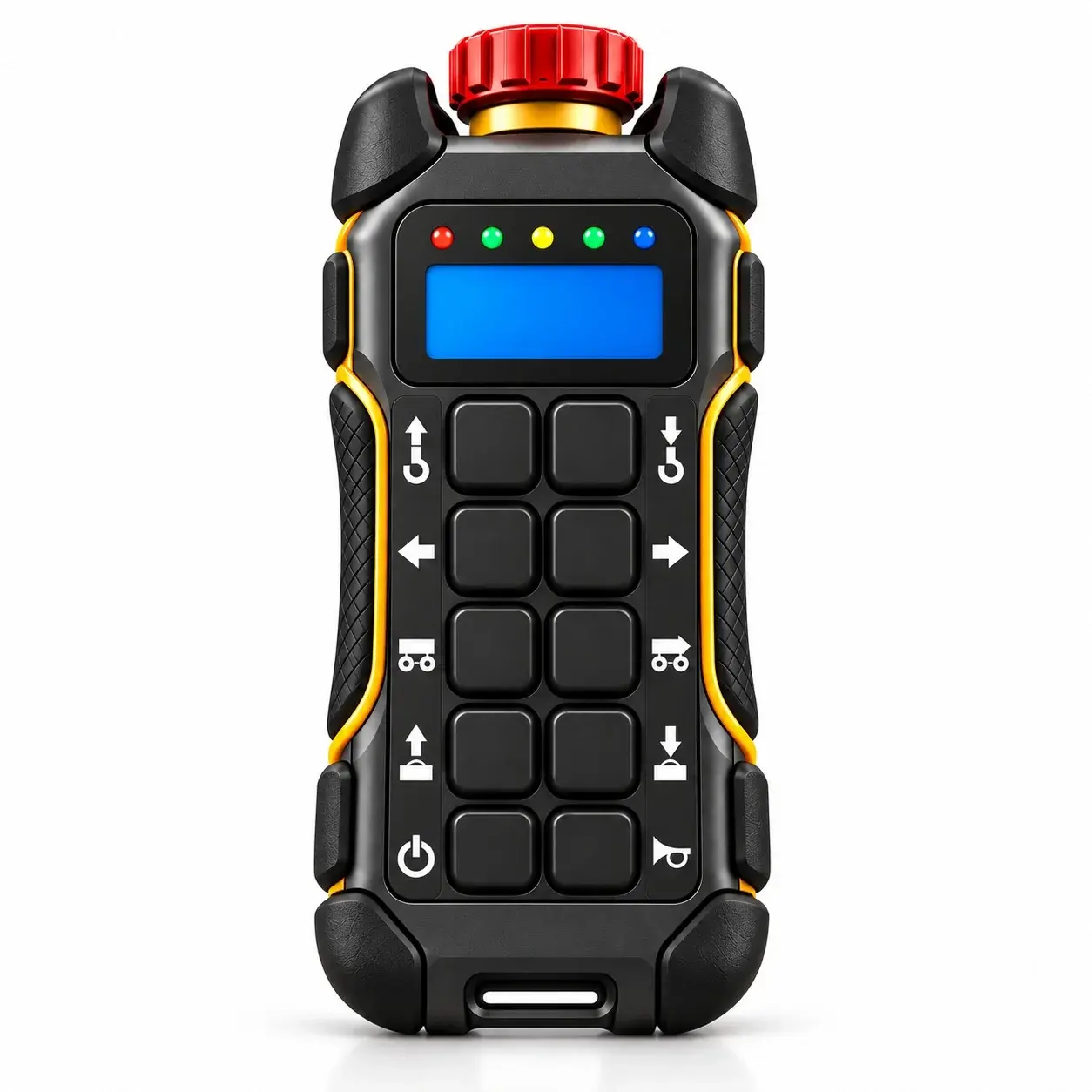
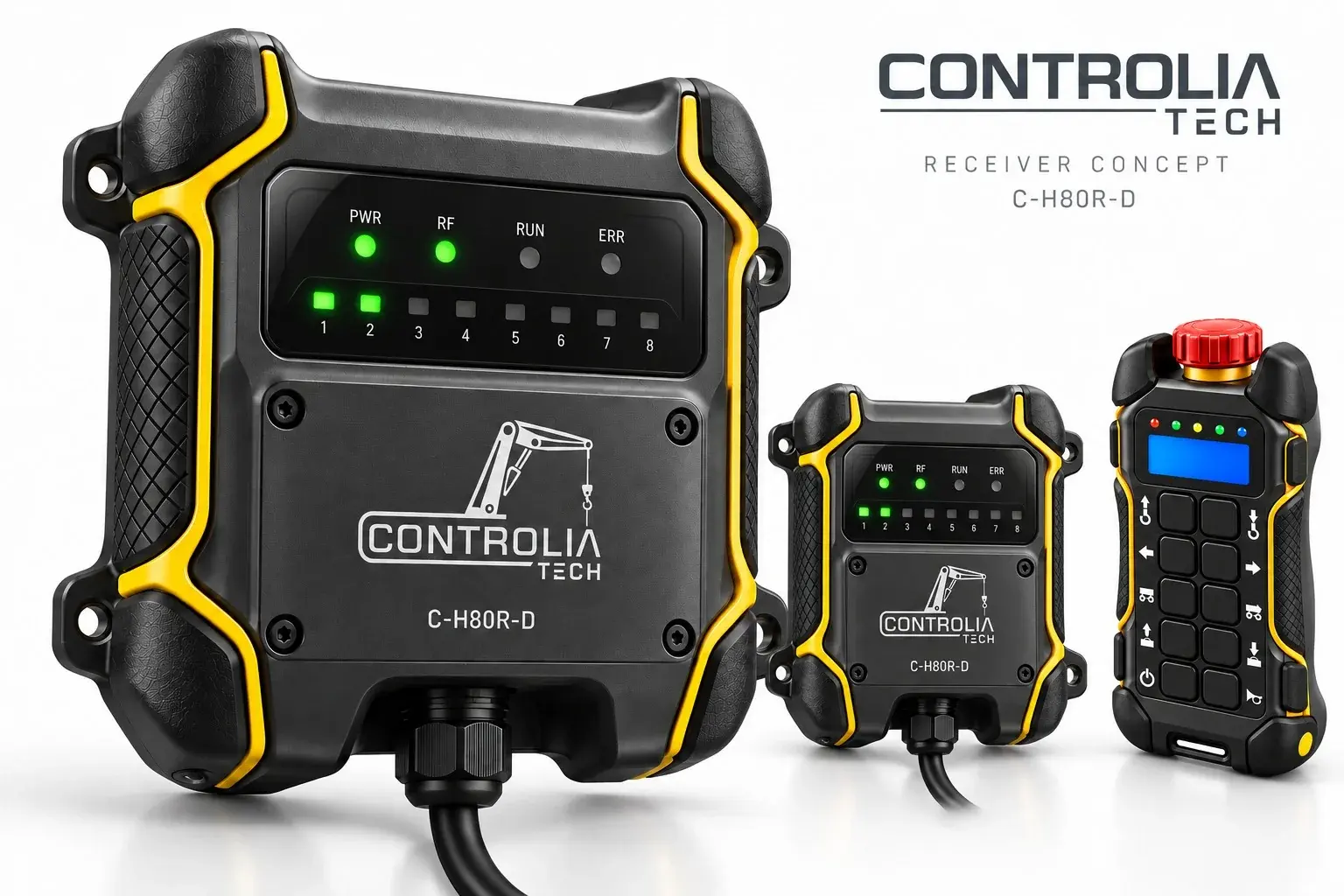
Controlia Tech designs wireless remote controls for cranes and lifting equipment. Our handheld transmitter puts every movement and a reliable emergency stop in the operator’s hand, while the mobile app keeps the remote up to date and brings our support team to the site over video.
Hardware
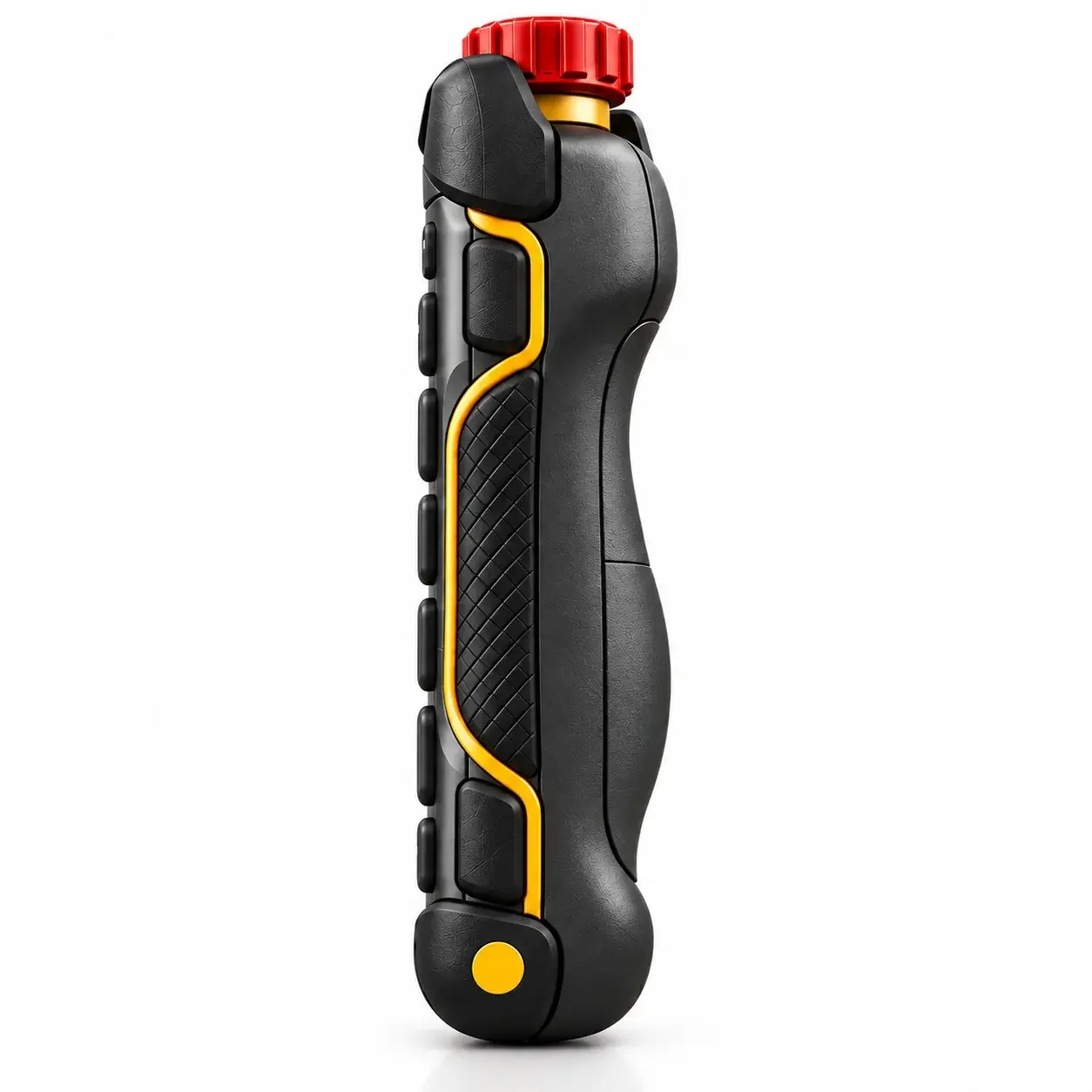
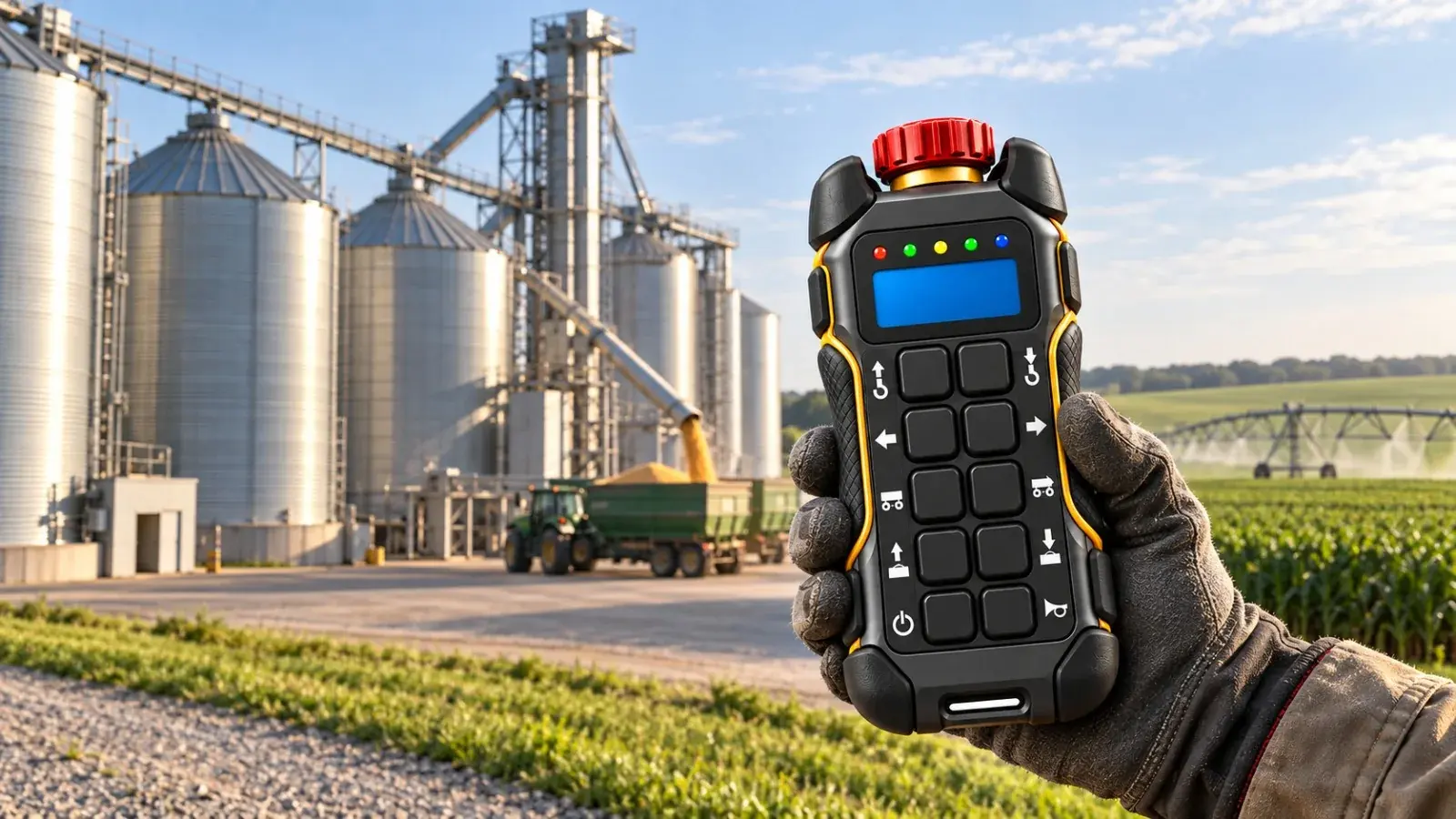
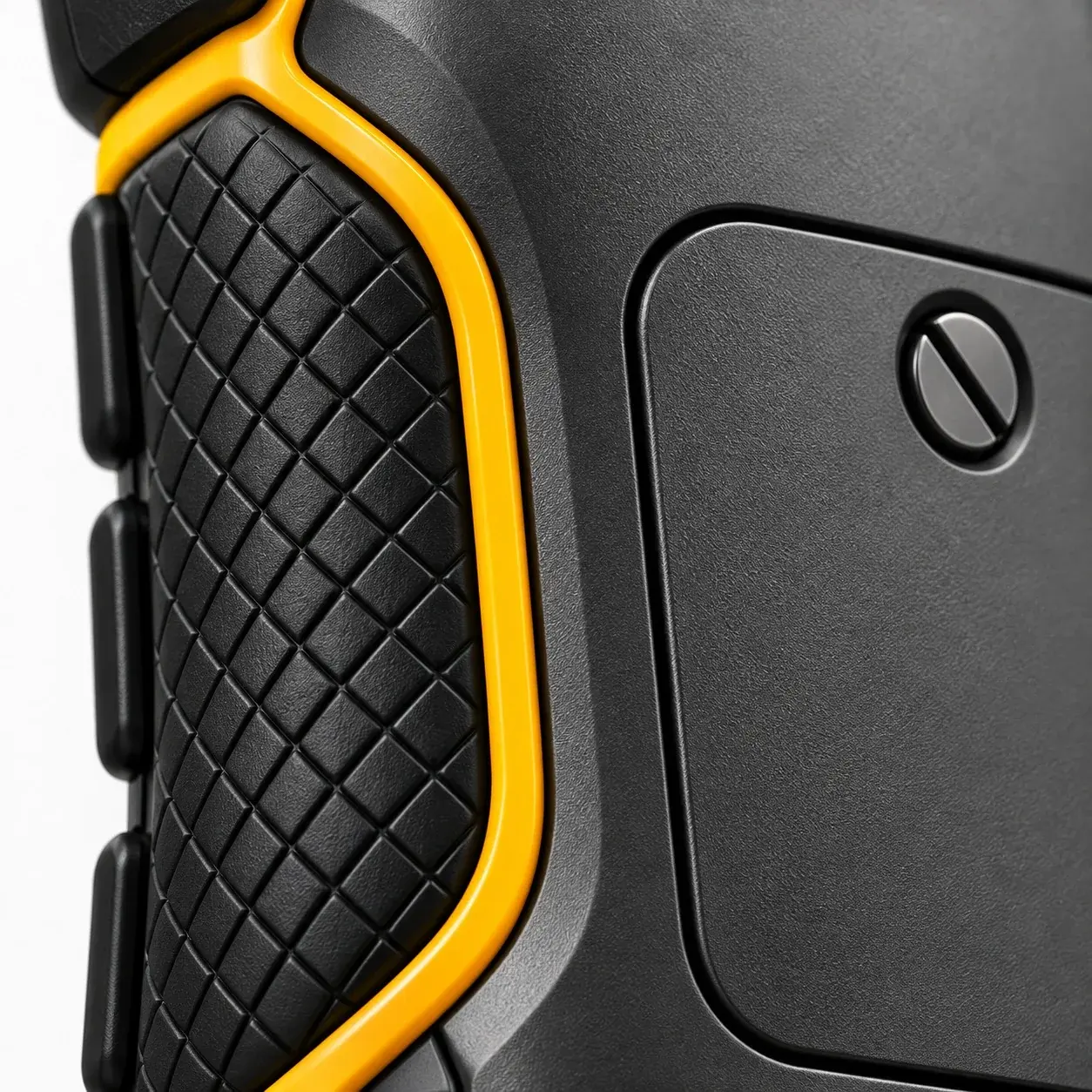
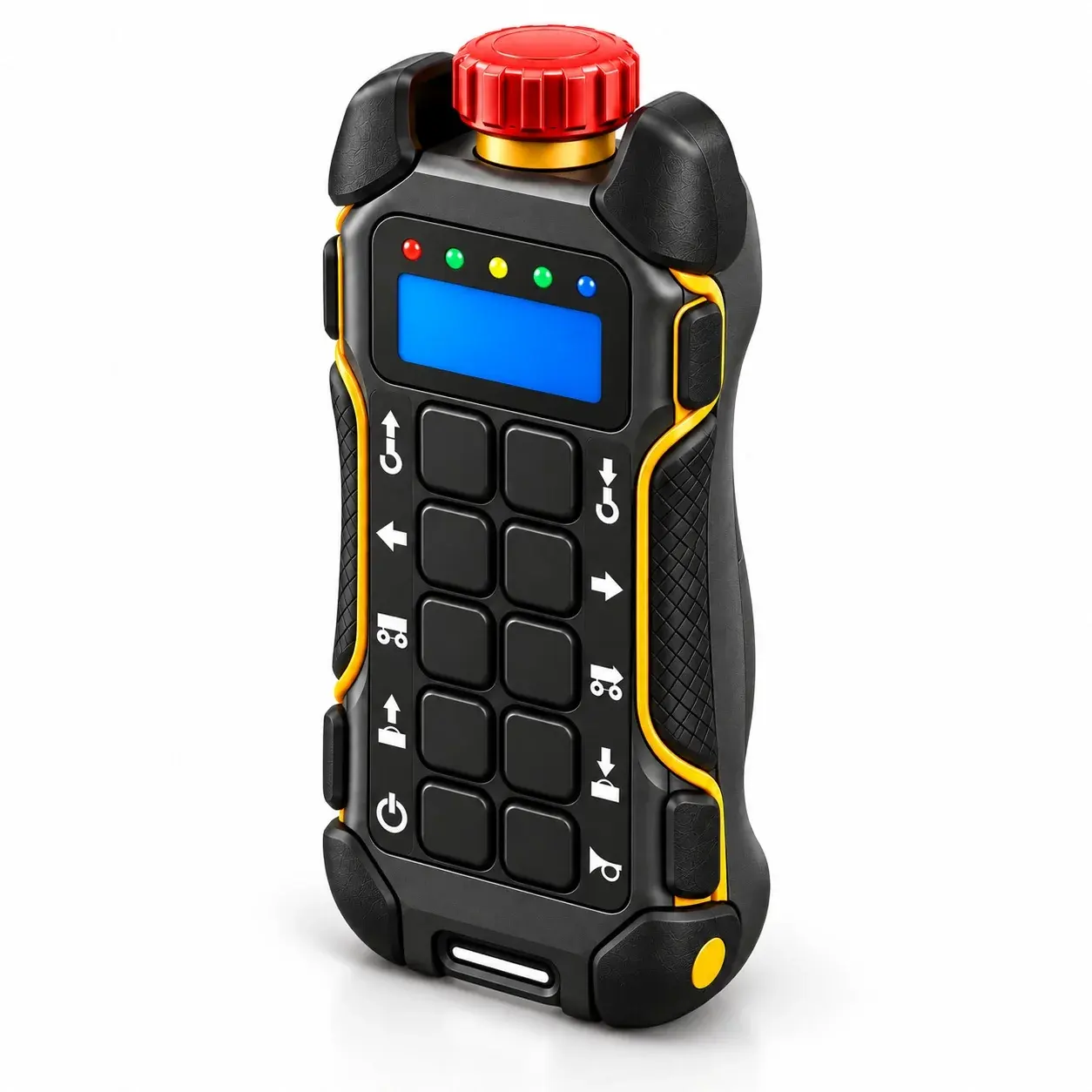
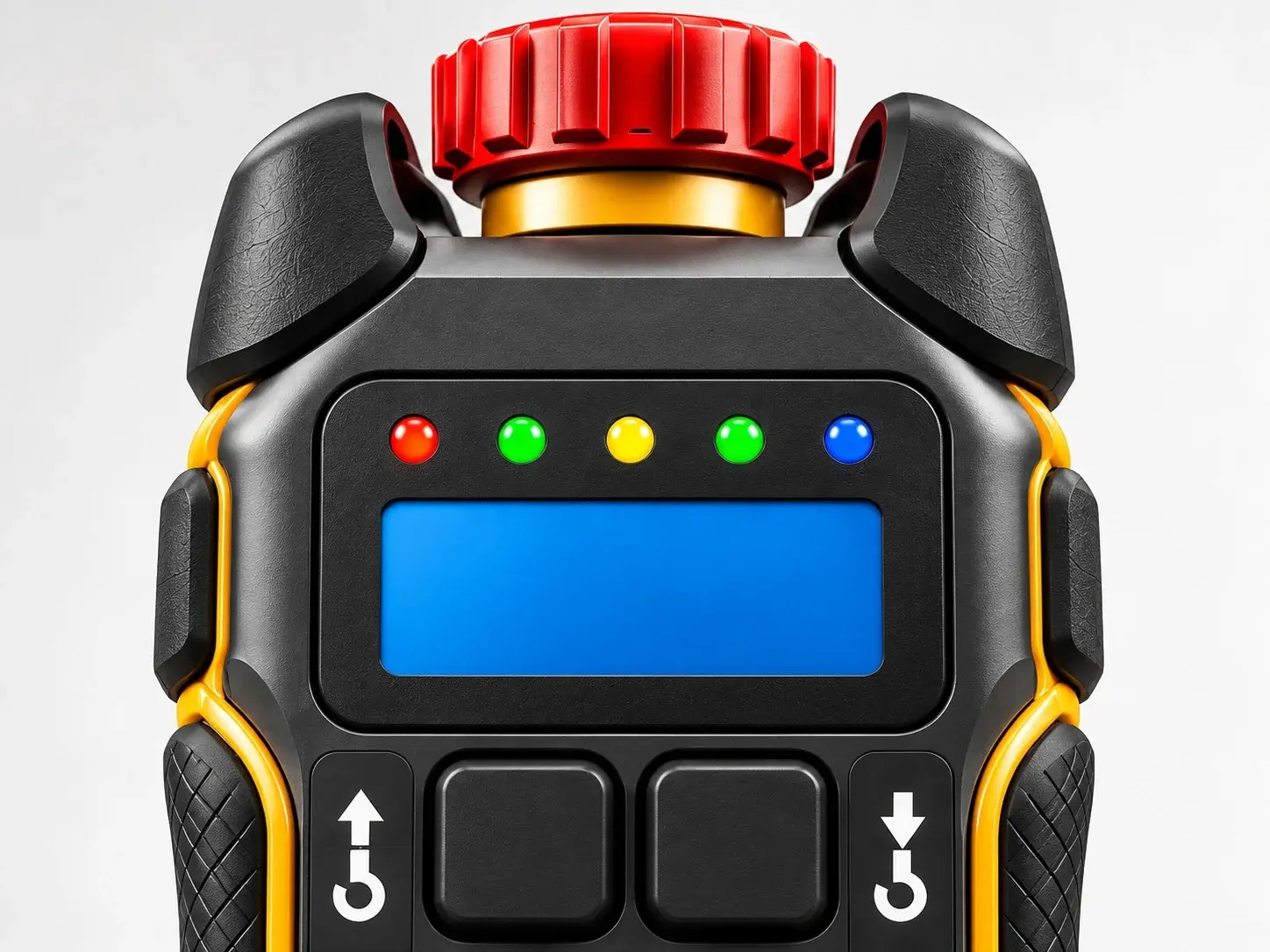
Ergonomic handheld housing, eight direction and function buttons, a mushroom emergency stop within thumb’s reach and a clear status display.
Embedded Software
The firmware that turns every button press into a predictable crane movement, and keeps the operator informed on the display.
Mobile App
Pair the remote with your phone, check its status and install firmware updates on site, without sending the unit back.
Support
When something needs a closer look, start a video call from the app and solve it together with our technician.
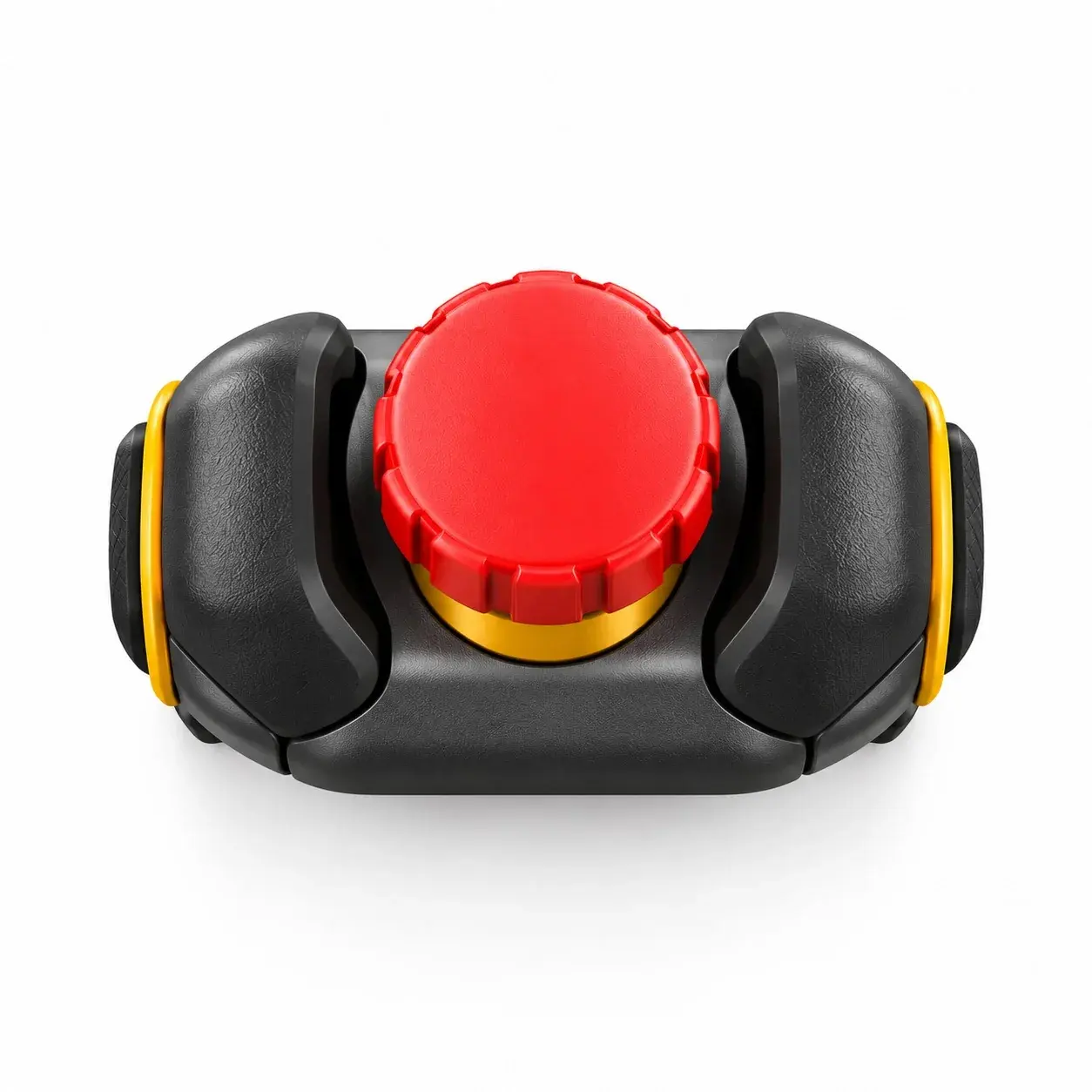
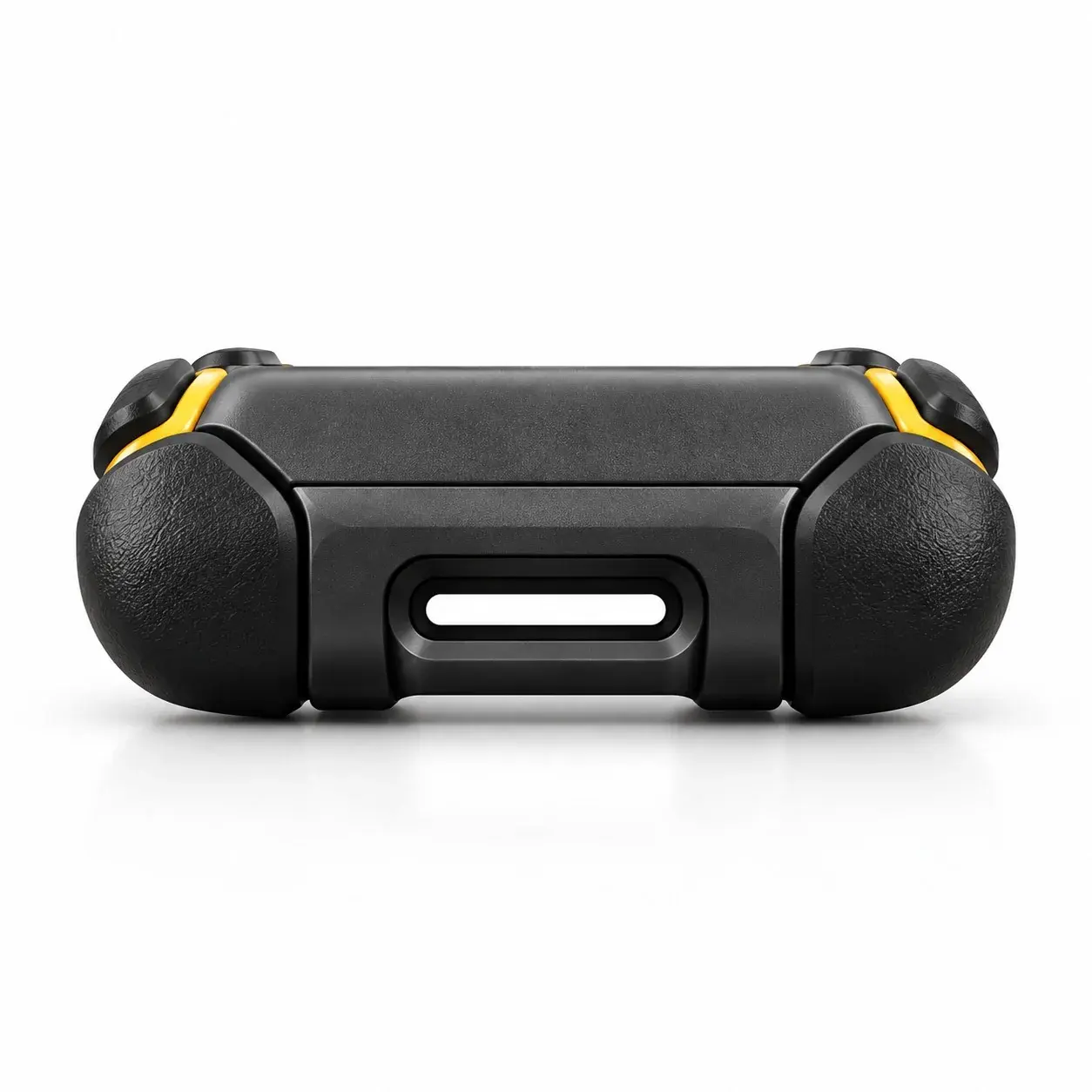
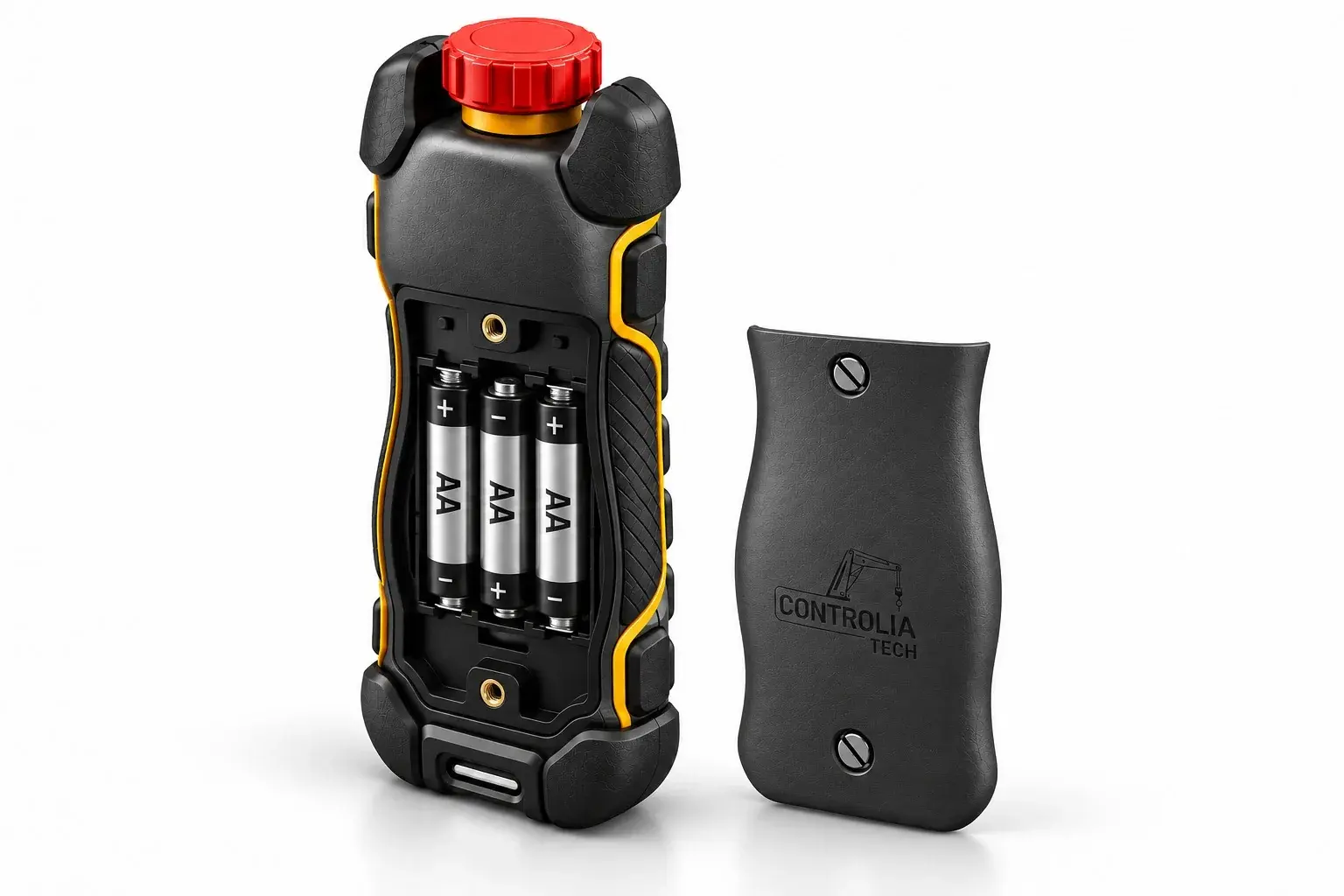
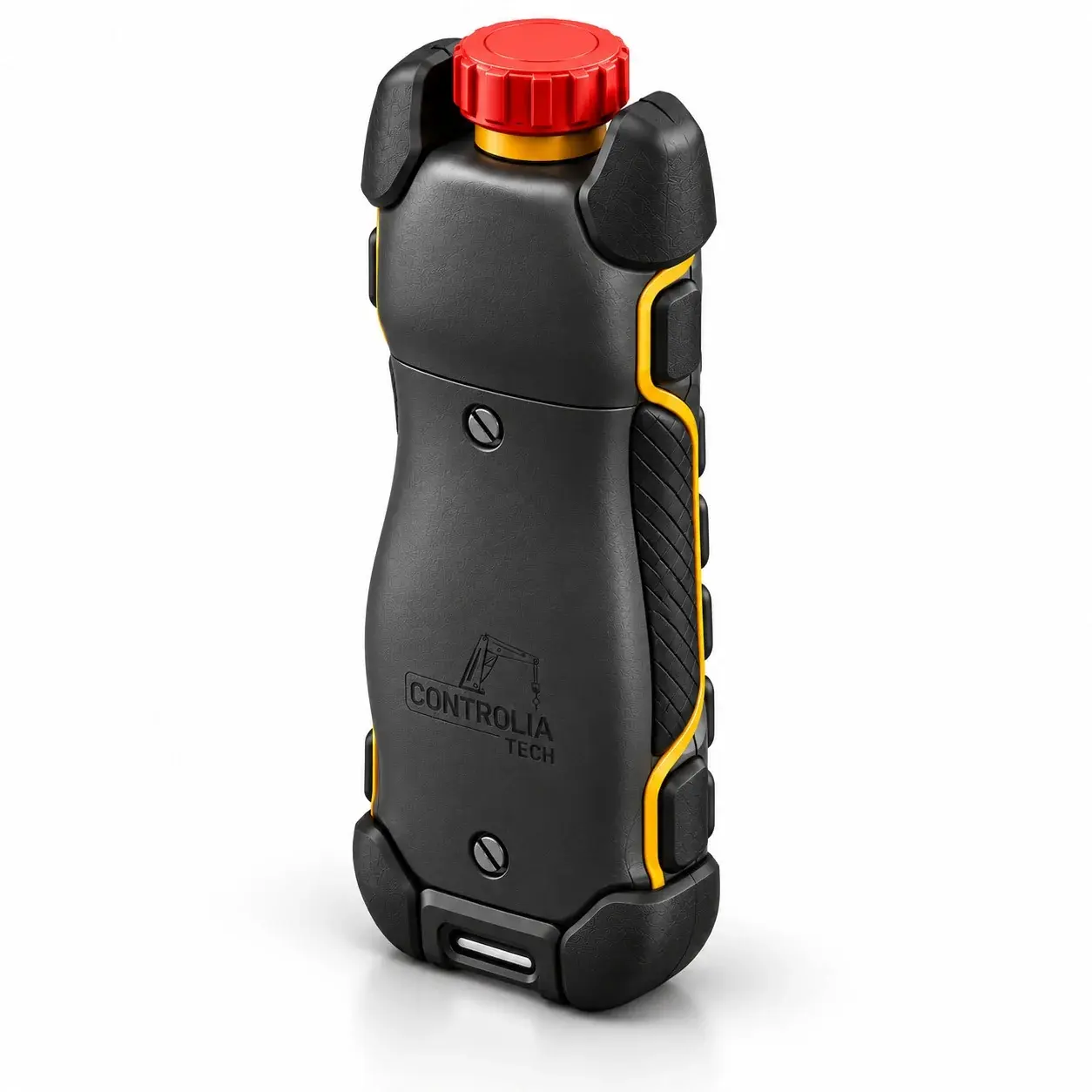
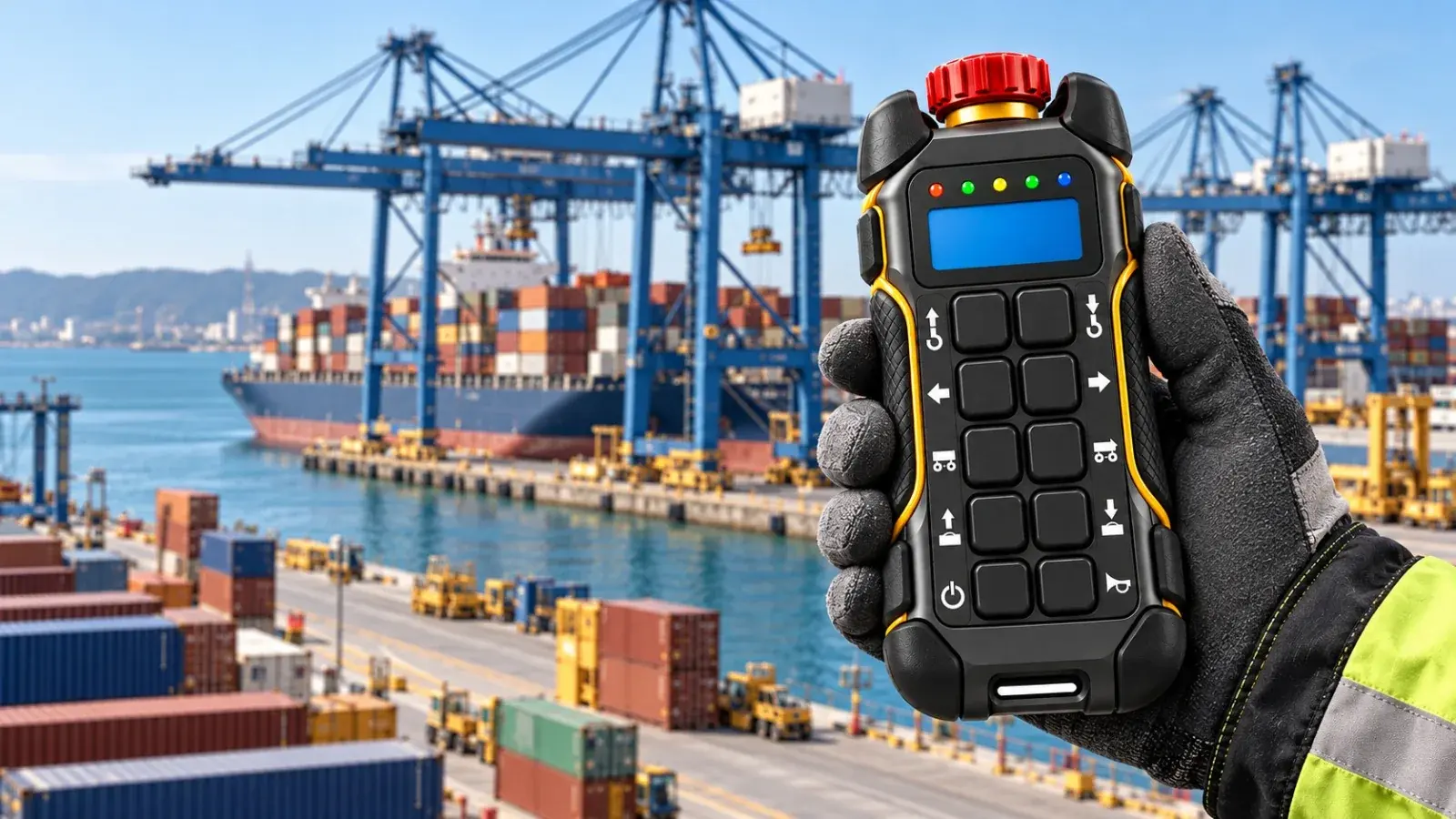
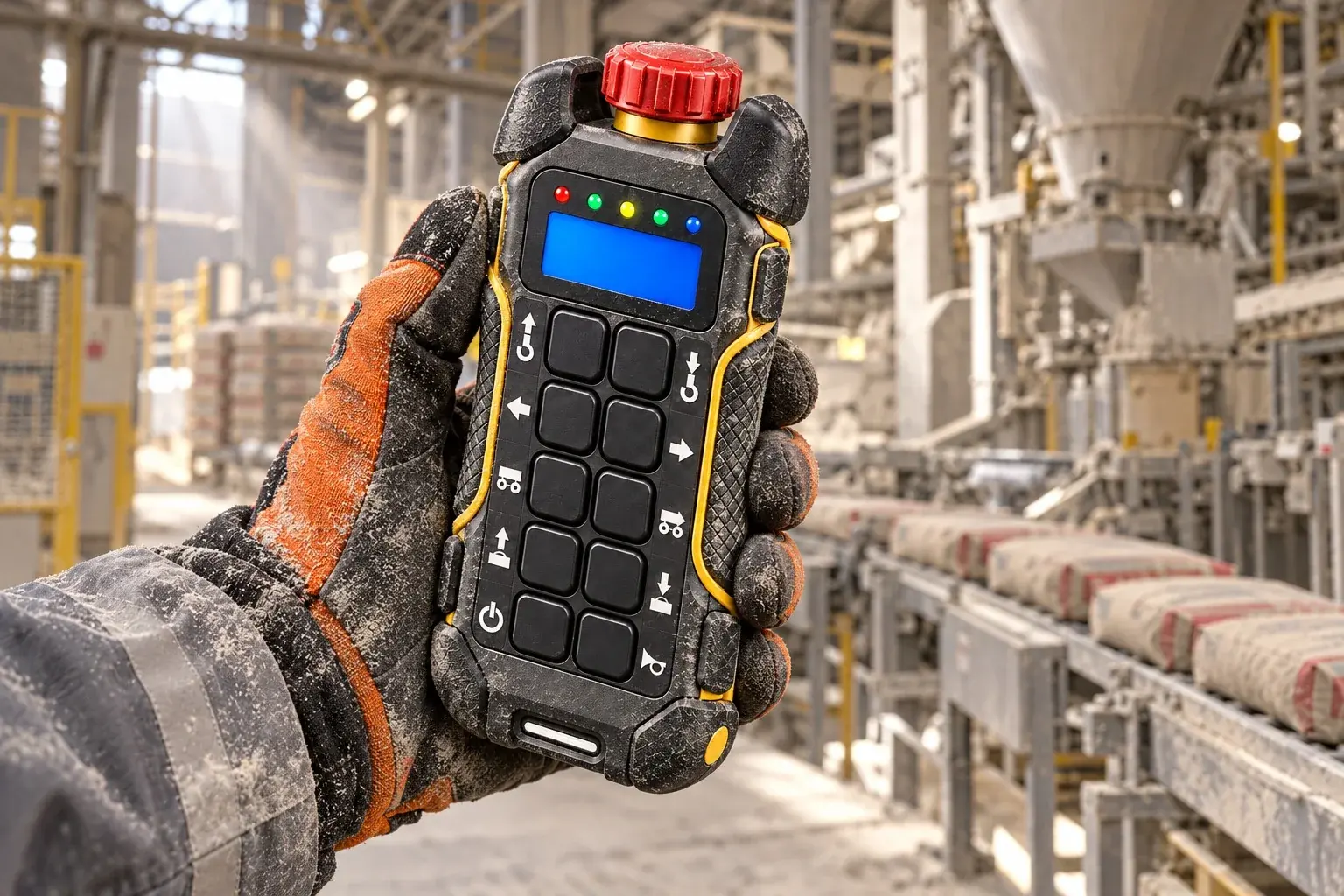
Every detail has a job on site. Our remote, by the numbers.
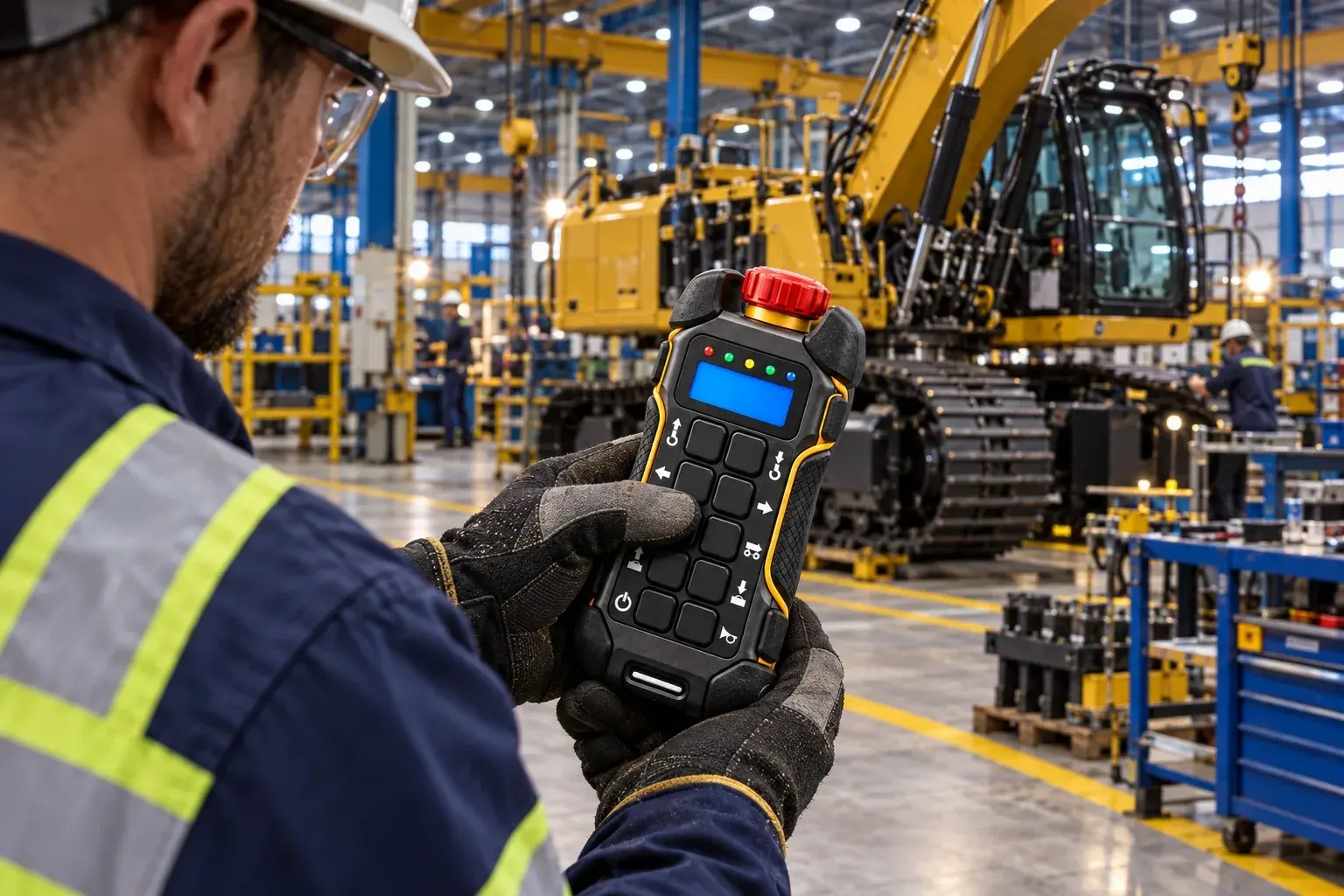
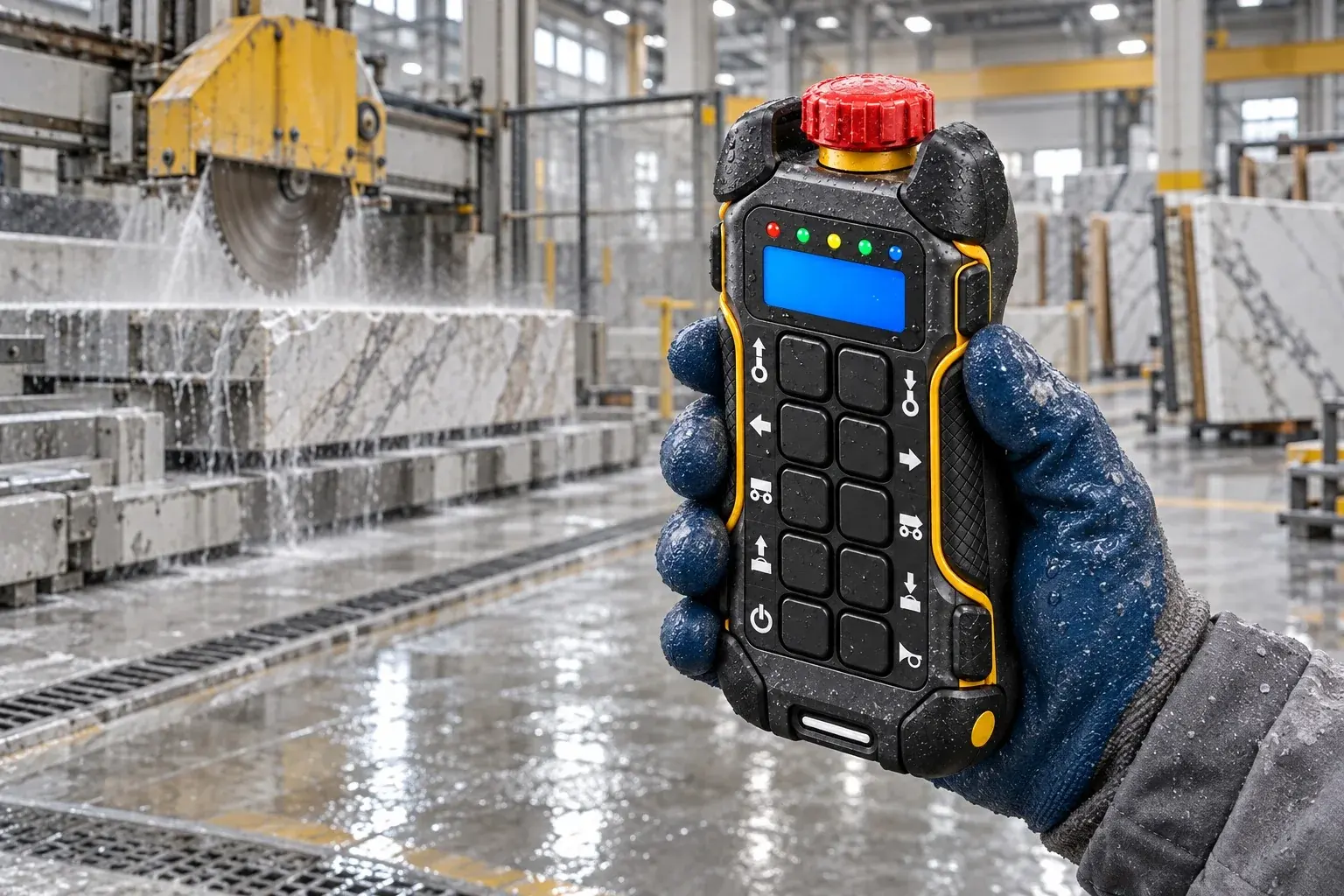
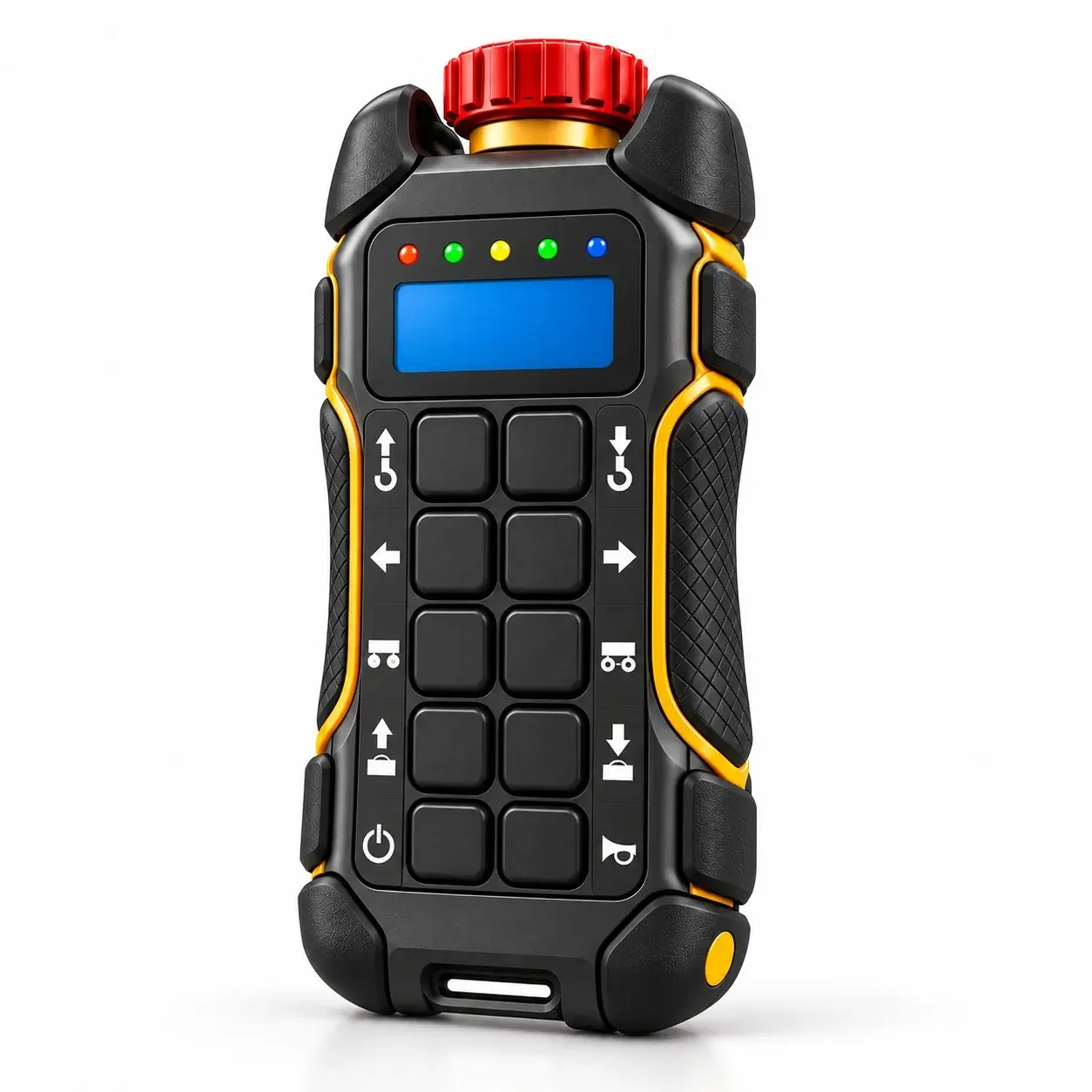
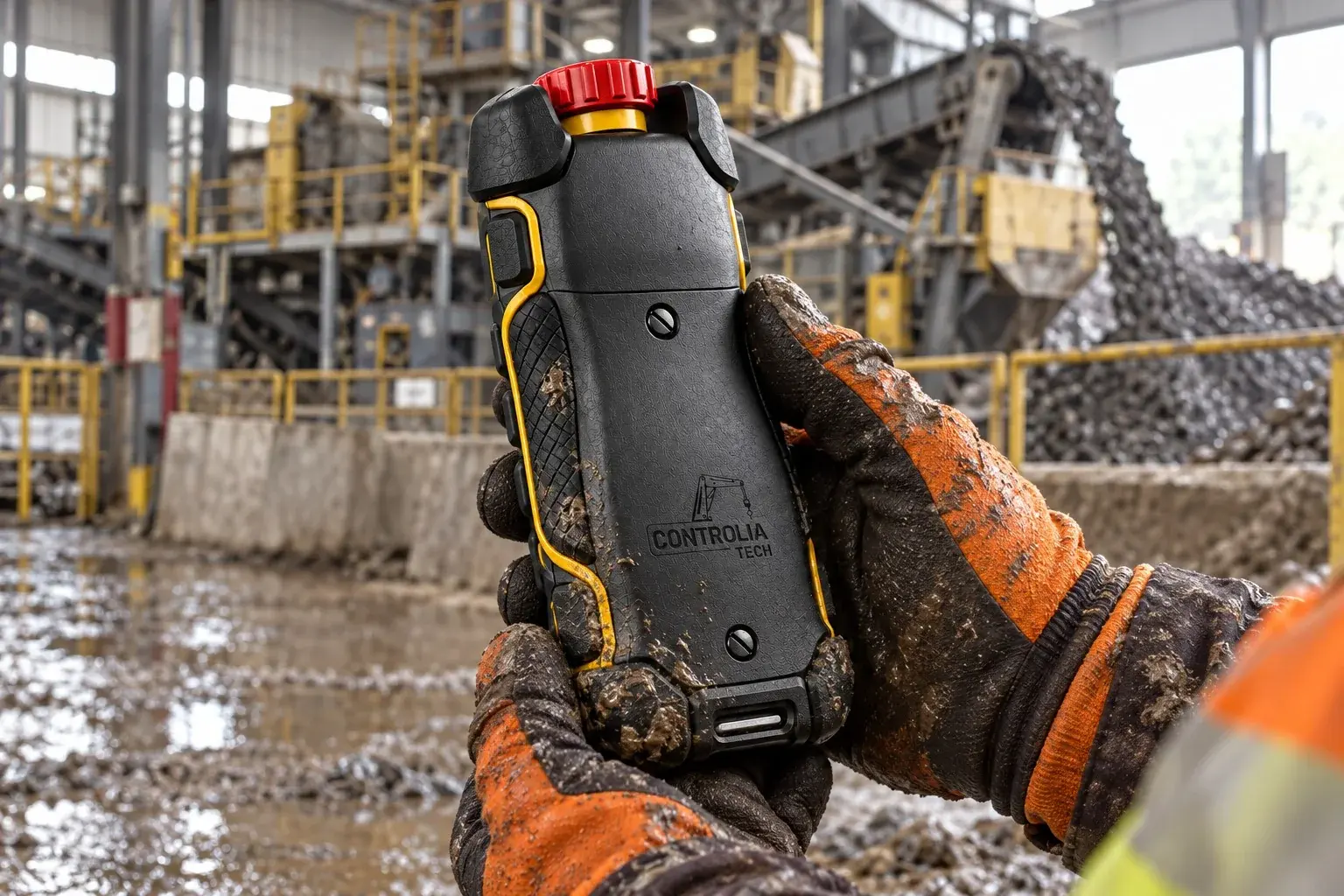
The operator walks with the load and keeps a clear view, instead of being tied to a pendant cable.
Overhead crane
Use case
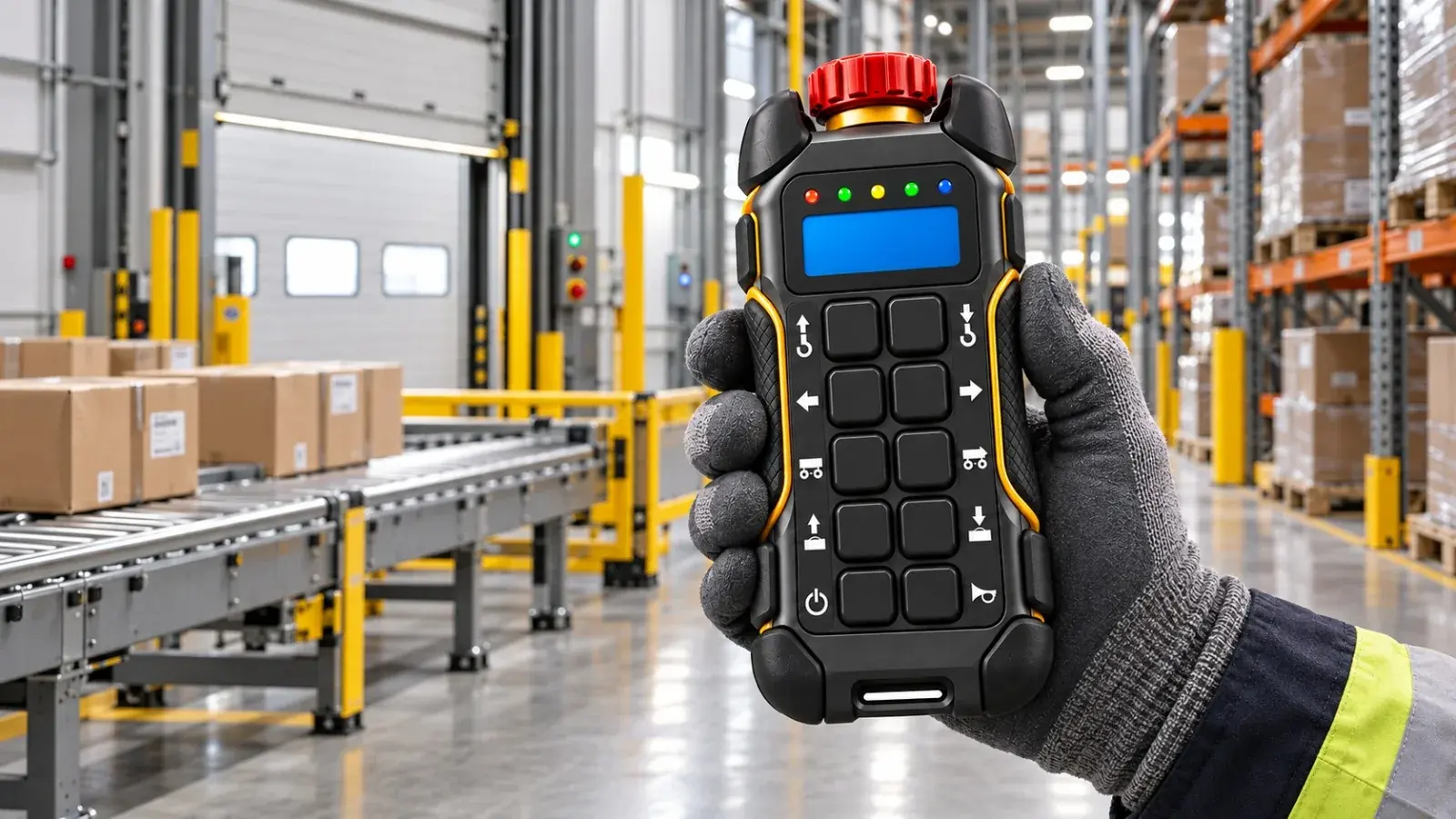
In the loading bay the emergency stop is always under the thumb, whatever the load.
Loading bay
Use case
New firmware reaches the remote from a phone, and a video call brings support to the site.
Maintenance team
Use case
•
Industrial wireless control
•
Industrial wireless control
•
Industrial wireless control
•
Industrial wireless control
•
Industrial wireless control
•
Industrial wireless control
•
Industrial wireless control
•
Industrial wireless control
Solutions


FAQs
Answers to the questions we hear most about our remote controls.
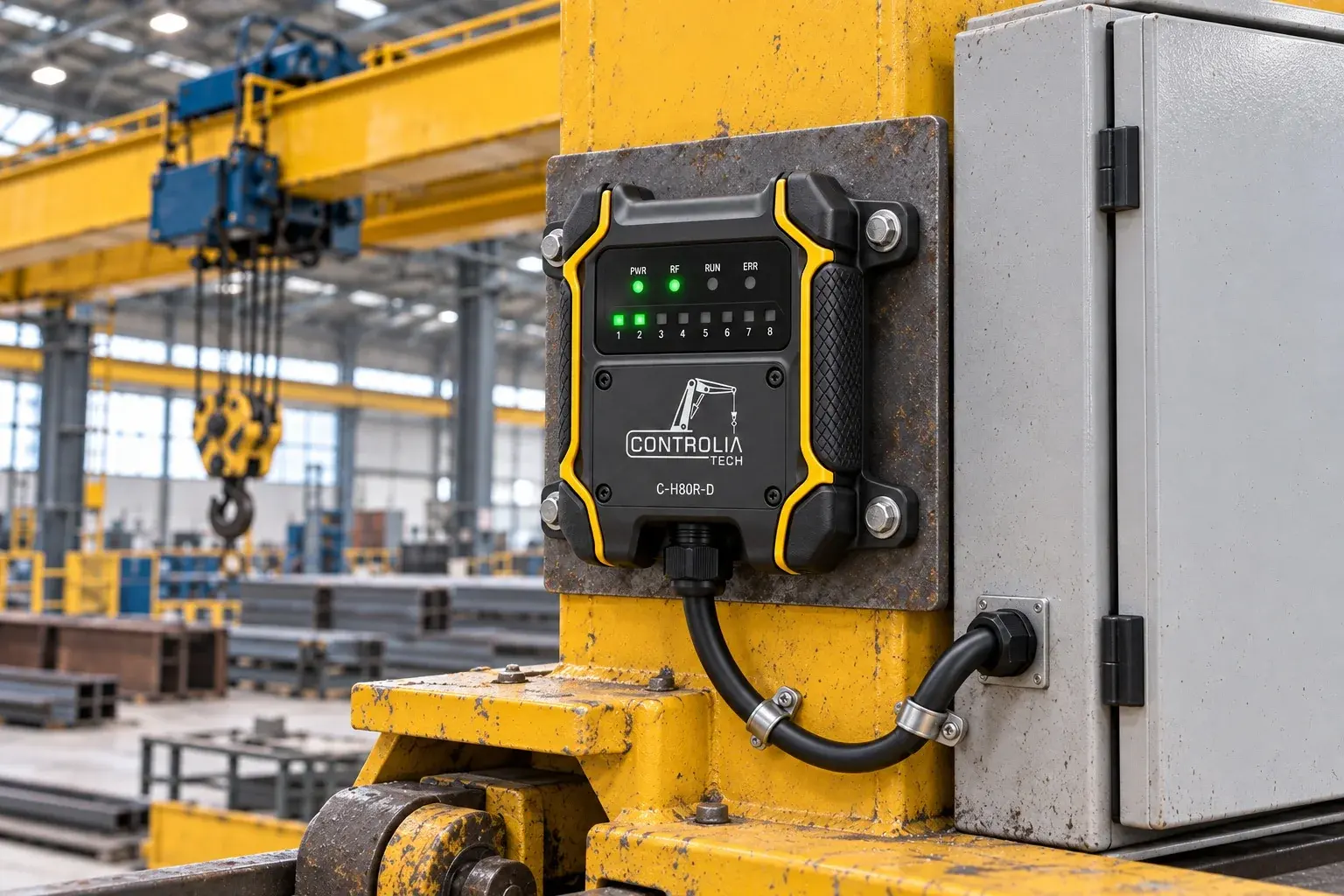
We design and supply the C-H80T-D handheld wireless transmitter for cranes and lifting equipment, together with a mobile app for firmware updates and video support.
Send us a message through the contact form with your crane type and how many remotes you need. We’ll get back to you with a proposal.
Pair the remote with the Controlia mobile app. When new firmware is available, the app transfers it to the remote and verifies the installation. The unit stays on site.
Start a video call from the mobile app. Our technician sees the remote with you and guides you through the solution.