Let's Talk
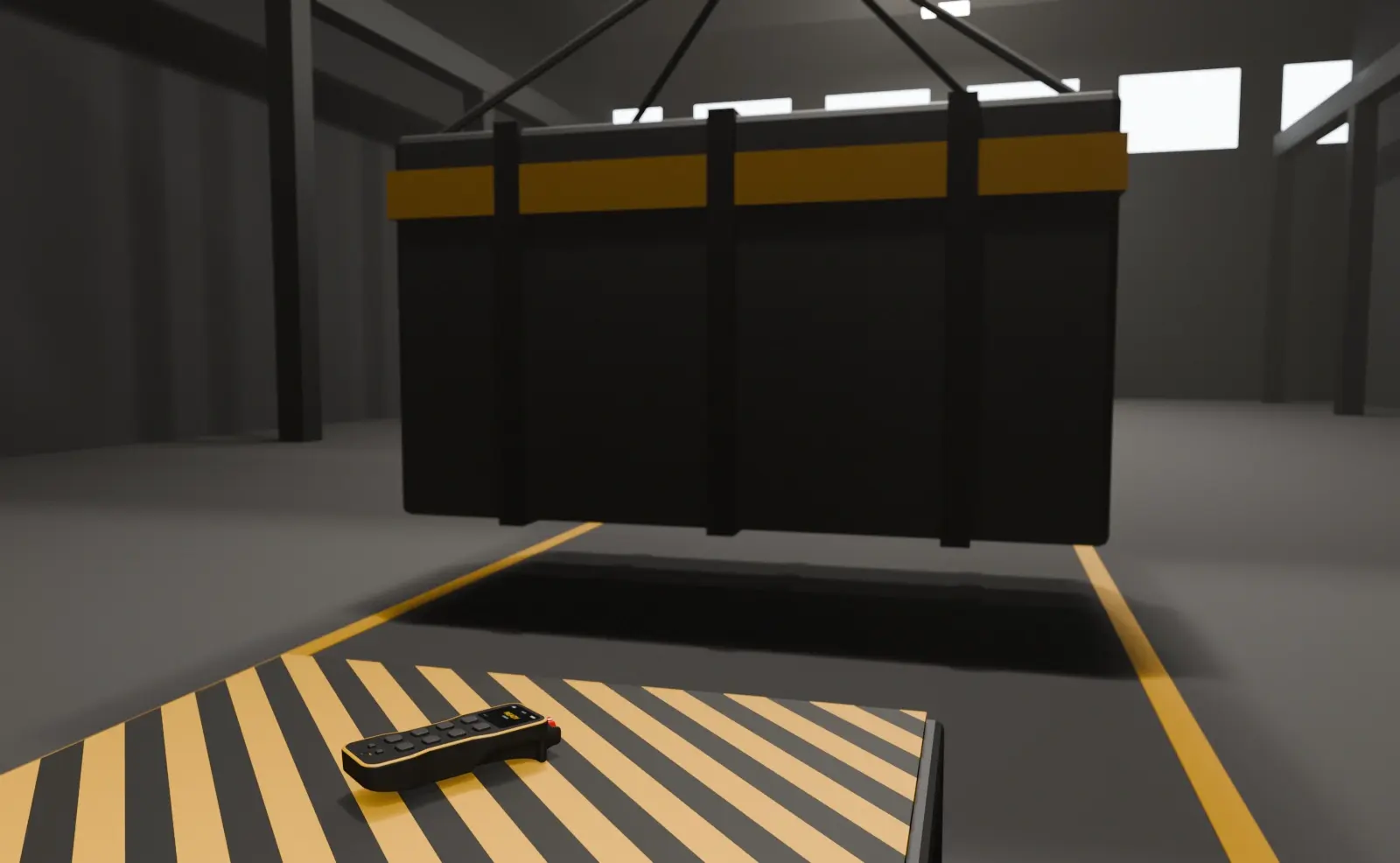
Replacing a pendant cable with a handheld remote changes how an operator works. Here is how we approach it.
October 9, 2026
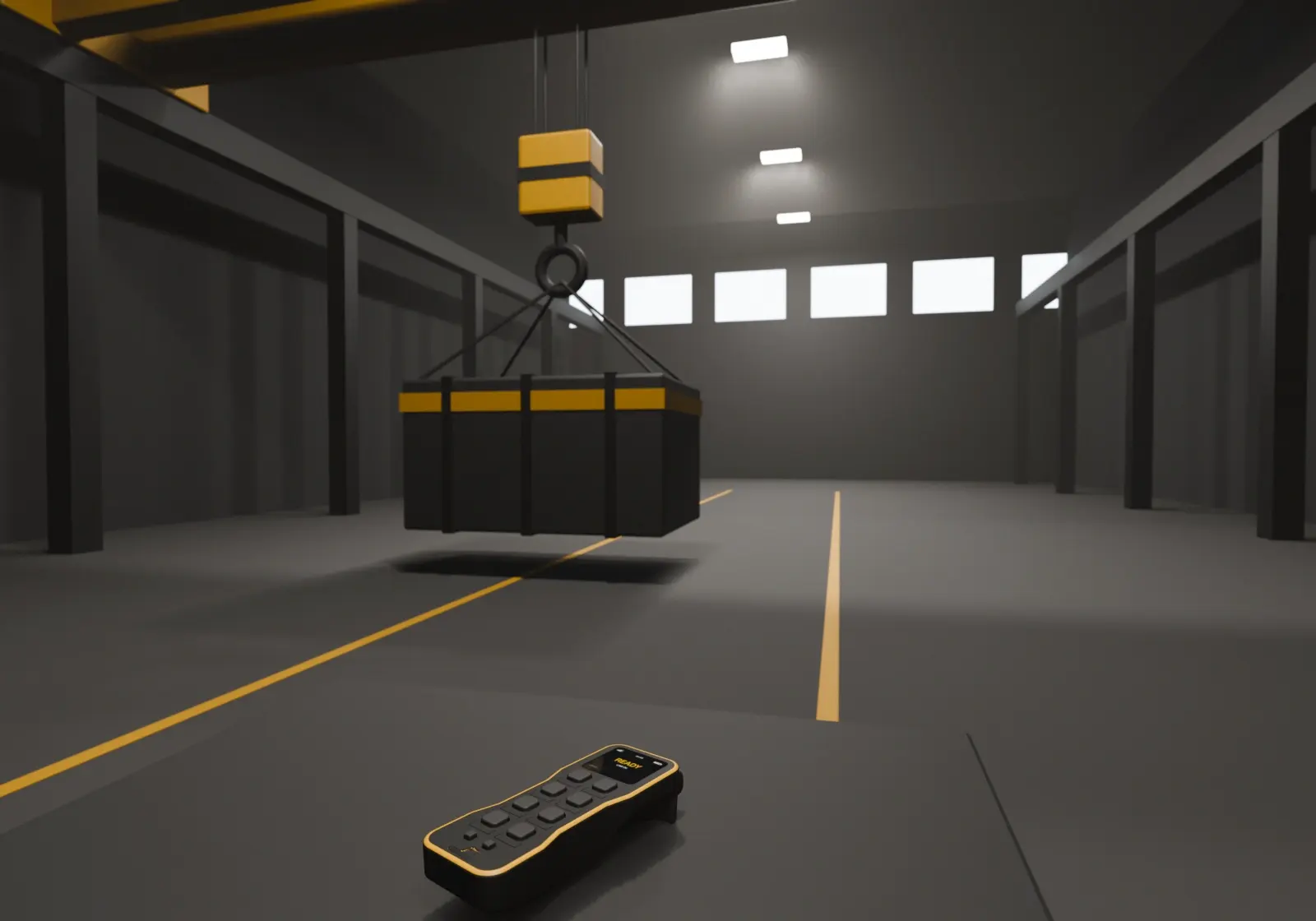
Before choosing a remote, look at how the crane is actually used: which movements are needed, how often, and where the operator has to stand to see the load. The remote should follow that routine, not the other way round.
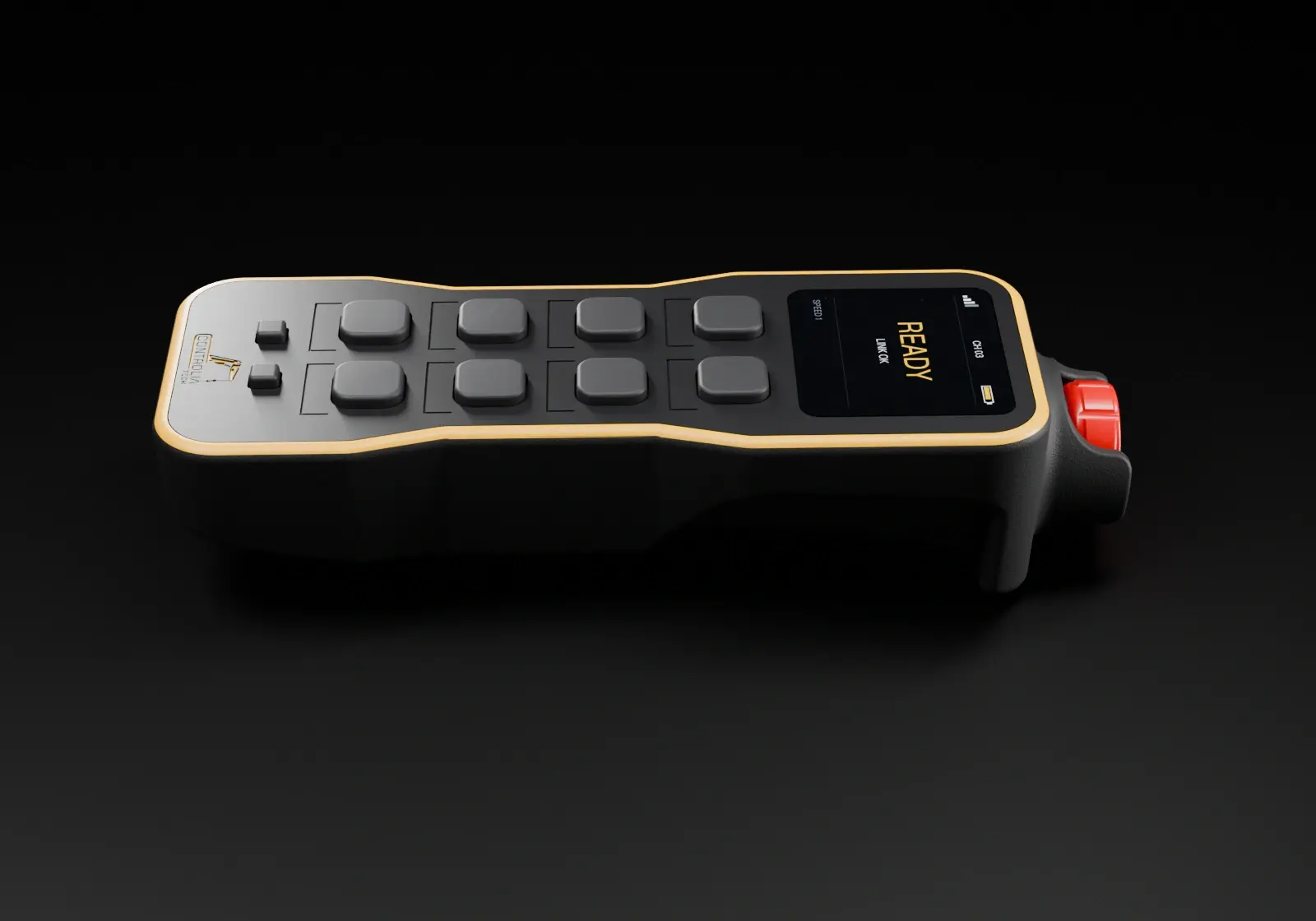
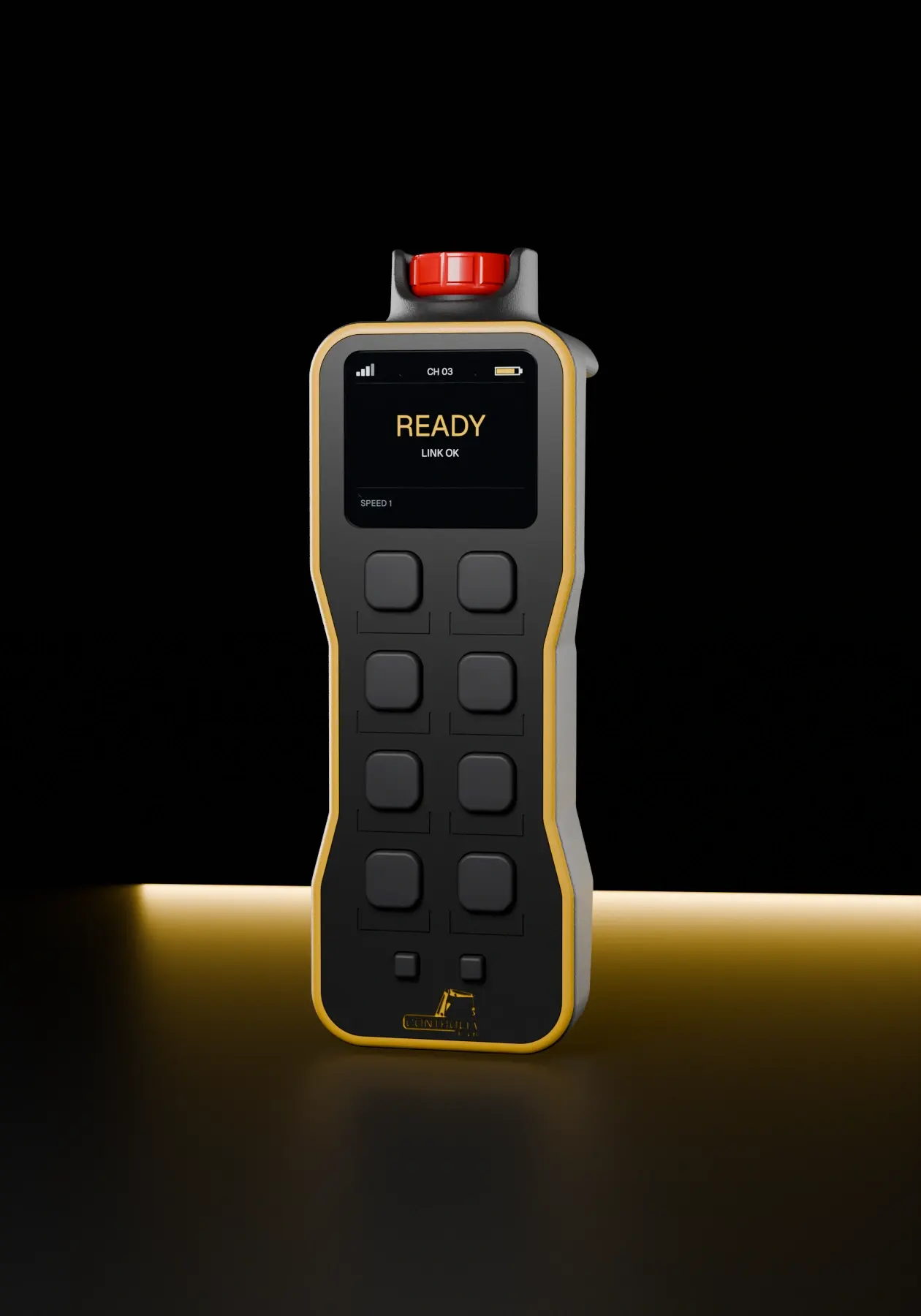
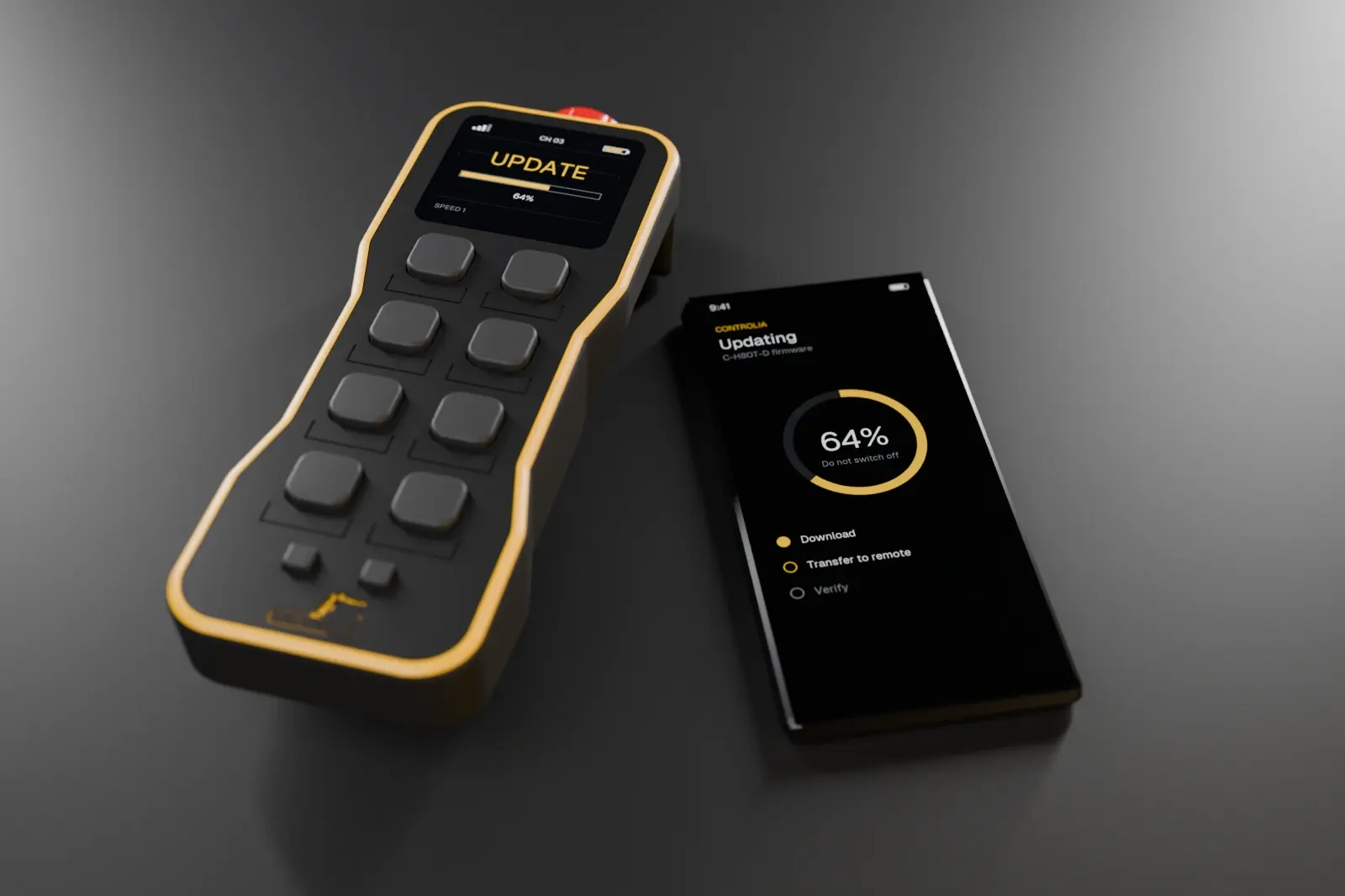
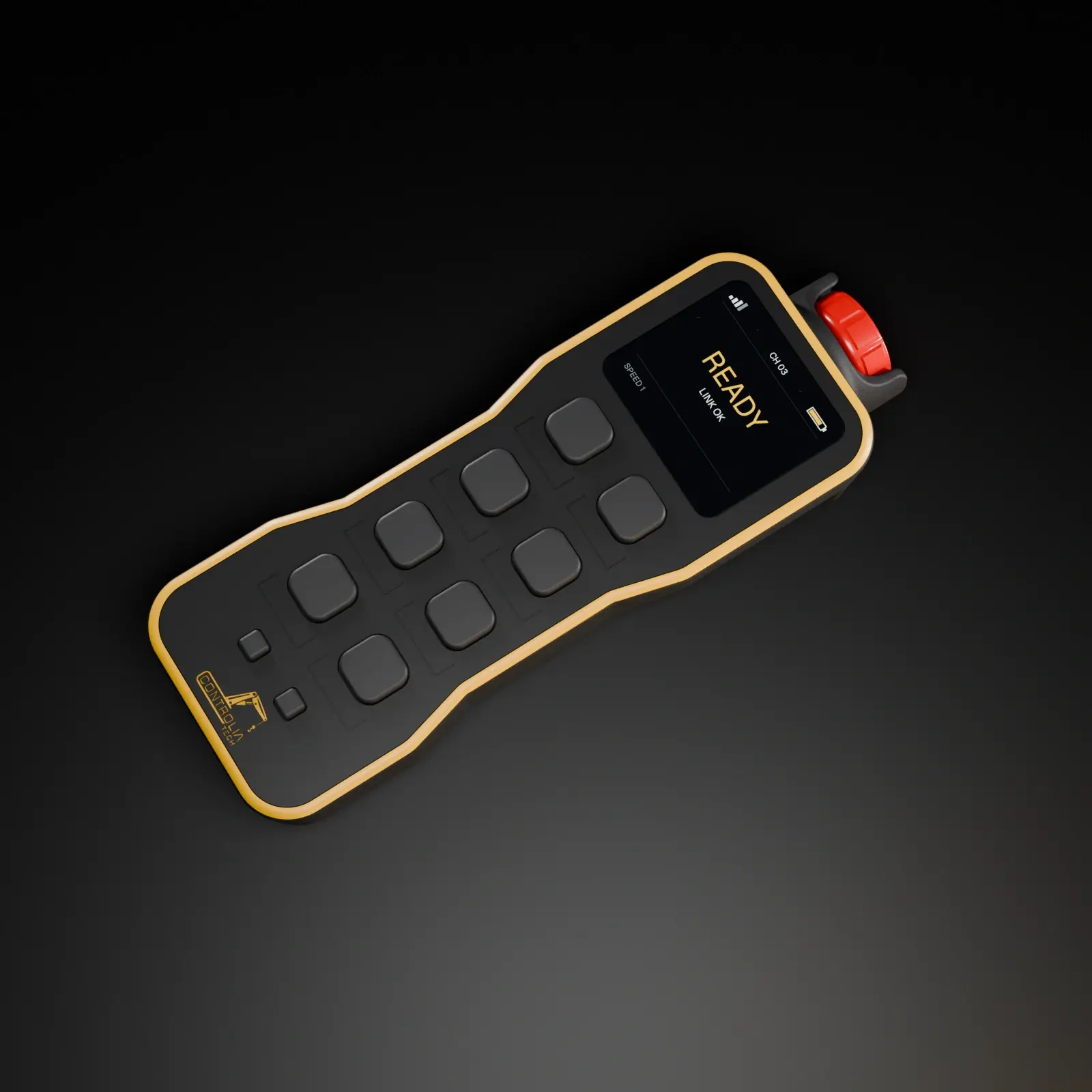
The C-H80T-D has eight buttons in two columns. Pairing opposite movements side by side, such as trolley left and right or hoist up and down, makes the layout easy to learn and hard to confuse.
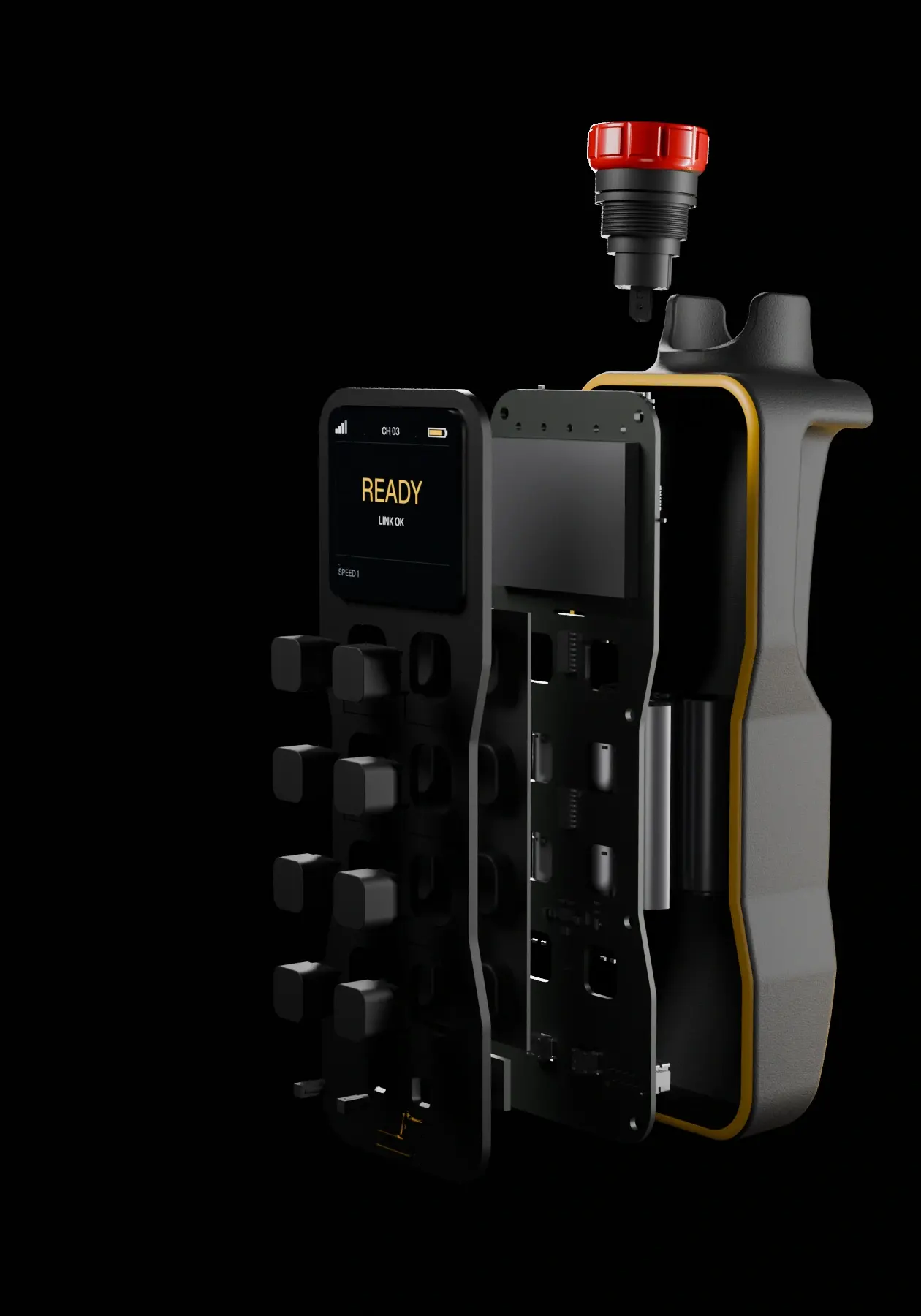
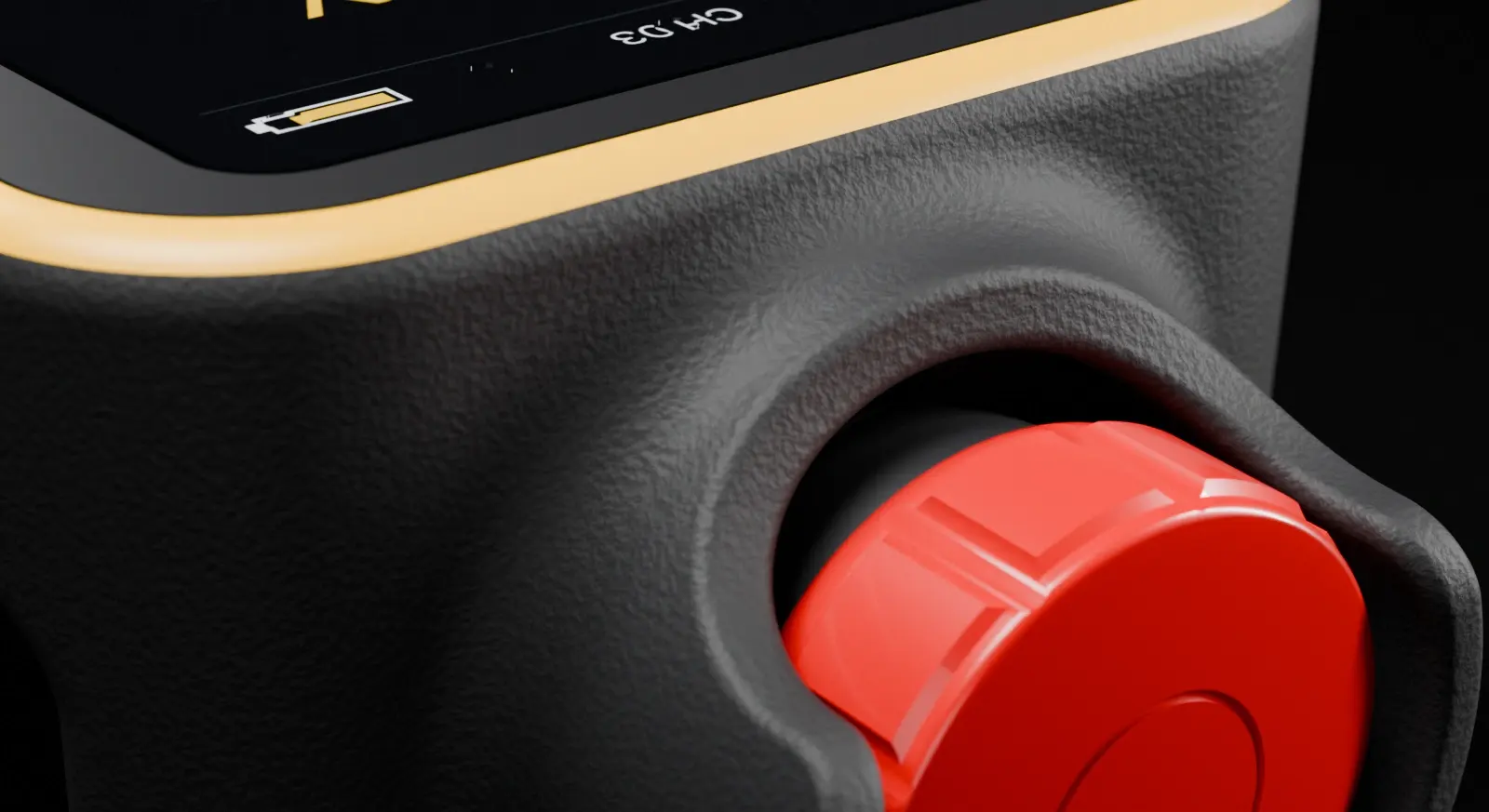
The red mushroom stop sits at the top of the unit, where the thumb finds it without looking. Make it part of every operator’s first session with the remote.
The status display shows the link, the channel and the battery level. A quick glance before each lift confirms the remote is talking to the right crane.
Pair the remote with the receiver on the crane and test every function, including the emergency stop, before the first real lift.
Wireless control is not only about removing a cable. It is about giving the operator a better place to stand.
Moving to wireless control works best when the operator, the emergency stop and the commissioning steps are planned together. Talk to us about your crane and we will help you plan the switch.